What is BYOK? Bring Your Own Key for AI Tools Explained
Most AI tools hide a simple fact from you: the AI model powering the product is not theirs. They license it from Google, OpenAI, or Anthropic, mark up the cost by 5 to 10 times, and bundle it into a subscription that makes the real price invisible. You pay $49 per month and have no idea that the AI usage inside that price costs them under $3.
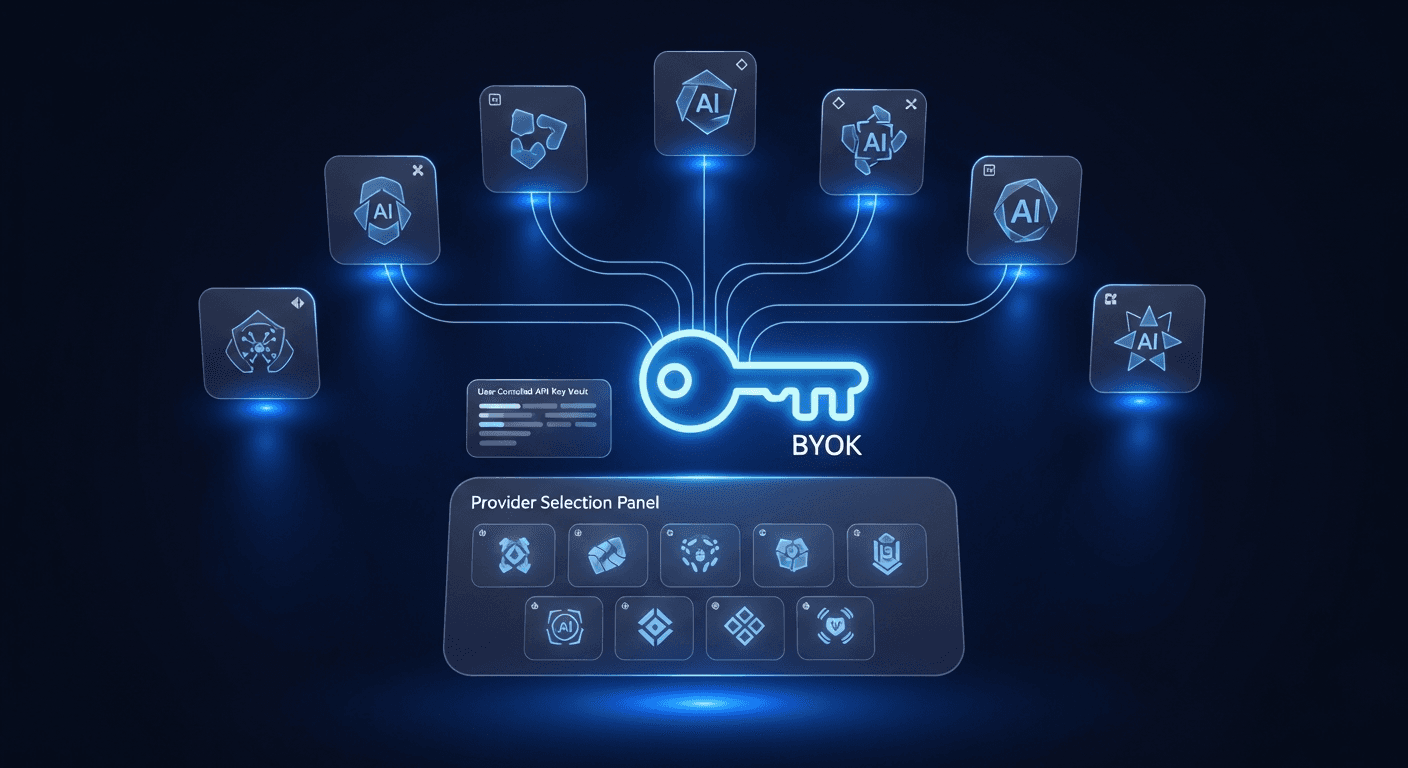
BYOK, short for Bring Your Own Key, is a different model. Instead of the vendor buying AI capacity on your behalf, you create your own API key directly with the AI provider and connect it to the tool. You pay the AI company directly, at cost, with no middleman. You pay the software vendor only for the software layer: the interface, the workflow, the integrations.
This post explains how BYOK works, why it matters for creators, founders, and marketers who use AI tools regularly, and who should and should not care about it.
How the traditional AI tool pricing model works
When a SaaS company builds an AI-powered product, it has two options for how to handle the underlying model costs. The first, and historically more common, is to absorb AI usage into the subscription price.
Here is what that looks like in practice: the vendor signs up for a bulk API agreement with OpenAI or Google. They get a negotiated rate, say $0.005 per generation. They bundle that cost into a subscription tier priced at $39, $79, or $199 per month. The margin on AI usage is high. The customer pays more per generation than if they had bought API access themselves, but they do not see the line item, so it does not feel expensive.
This model works for the vendor. It generates predictable subscription revenue, and the actual AI costs scale sublinearly as usage grows. But it creates several problems for the user: no visibility into what the AI actually costs, no flexibility to choose a different model, hard caps and credit systems when usage exceeds the bundle, and a pricing structure that punishes heavy users most.
The markup is not incidental. It is the business model. Vendors price their subscriptions to cover AI costs at the high end of expected usage, meaning light users pay more per generation than heavy users, and every user pays a significant premium over provider cost. For teams or individuals using the tool daily, this adds up to hundreds of dollars per year in hidden AI markups.
What BYOK means and how it changes the equation
BYOK removes the middleman from the AI cost layer entirely. You go to the AI provider directly, whether that is Google for Gemini, OpenAI for GPT-4o, or Anthropic for Claude, create an API key in your account, and paste that key into the tool. From that point, every AI generation you trigger goes from the tool directly to the AI provider using your key. You are billed by the provider at their standard API rate. The tool vendor never touches the AI cost.
The software vendor still charges a subscription for their product: the Chrome extension, the dashboard, the voice analysis, the interface. That is the legitimate value they provide. But they are not profiting on AI usage on top of that. You pay two clearly separated bills: one to the software vendor for the software, one to the AI provider for the AI.
For most tools, the AI cost under BYOK is strikingly low. Gemini Flash-Lite from Google offers 1,000 free API requests per day, enough for most creators to generate 20 to 50 replies daily at zero AI cost. Beyond the free tier, costs run roughly $0.001 to $0.005 per generation depending on the model. The cost comparison section below puts real numbers on what this means month to month.
The privacy and trust case for BYOK
Cost transparency is the headline benefit, but privacy may be the more important one for many users. In the traditional bundled model, your content, including tweet text, the context you provide, and the voice data you upload, passes through the vendor's servers before reaching the AI provider. The vendor is the API caller. Your data flows through their infrastructure.
In a BYOK model, the tool uses your key to call the API directly. The content you generate goes from your device to the AI provider, not through the vendor's servers. The vendor never sees your prompts, your replies, or your content inputs. The only party that processes your content is the AI model you chose.
This matters more as AI tools become more personal. Tools that analyze your writing voice, draft messages in your tone, or process your DMs are handling data that is genuinely sensitive. The question of who has access to that data, and what they do with it, is not theoretical. BYOK tools with local key storage give a clear answer: nobody except you and the AI provider you chose.
For XreplyAI specifically, API keys are stored encrypted in Chrome's local storage. They are never transmitted to XreplyAI servers. The key stays in your browser environment, used only when you trigger a generation, calling the provider directly.
Model flexibility: choose your AI, switch anytime
Bundled AI tools lock you into the model the vendor has chosen, which is almost always determined by the vendor's cost structure, not by what is best for your use case. If you are paying $49 per month for a tool powered by GPT-3.5 and GPT-4o comes out, you wait for the vendor to upgrade their implementation and decide whether to pass the cost on to you.
With BYOK, you control the model selection. If Google releases Gemini 2.5 and it produces better results for your tone and style, you switch your key over in the settings. If you prefer the conversational quality of Claude for certain types of content, you use your Anthropic key. If you want to A/B test models across a week of replies to see which output quality you prefer, you can do that. The vendor's integration supports multiple providers, and the choice is yours.
This flexibility has real compounding value. AI model quality is improving rapidly. The best model today will not be the best model in six months. Staying locked into a vendor's bundled model means your tool's output quality is gated by the vendor's upgrade cycle, not by the actual state of the technology. BYOK users can run on the latest models as soon as the tool supports them, which is often within weeks of a new model's release.
XreplyAI currently supports Gemini (including Flash-Lite, Flash, and 2.5), GPT-4o and GPT-4o-mini, and Claude Haiku and Sonnet. You switch providers from the extension settings with one click.
The real cost comparison: BYOK versus bundled pricing
Numbers make this concrete. A typical bundled AI Twitter reply tool charges between $29 and $99 per month. That price includes a usage cap: a certain number of replies or credits per billing cycle. Exceed the cap and you pay overage fees or upgrade to a higher tier.
Under BYOK with XreplyAI, you pay the software subscription at $15.83 per month (annual) or $19 per month (monthly), plus your actual AI API costs. For a creator generating 30 replies per day using Gemini Flash-Lite on the free tier, the AI cost is $0. Total monthly cost: $15.83. For a heavier user generating 100 replies per day using Gemini Flash (paid tier), AI costs run roughly $9 per month. Total monthly cost: $24.83, with no caps.
At the same usage level, a comparable bundled tool typically costs $49 to $79 per month to avoid hitting credit limits. The BYOK gap grows larger with usage. Bundled tools become more expensive the more you use them, because you are paying a markup on every generation. BYOK costs scale with actual AI usage at cost, not at a marked-up subscription rate.
The one caveat is setup time. Getting a Gemini API key takes about two minutes at ai.google.dev. An OpenAI key takes three minutes at platform.openai.com. This is a real, if small, friction point that bundled tools eliminate. If that two-minute setup is a genuine blocker, bundled pricing makes sense. For anyone willing to spend two minutes, BYOK is almost always the better financial decision.
Who BYOK is for, and who it is not
BYOK is the right model for creators, founders, and marketers who use AI tools with any regularity. If you are generating more than a handful of AI outputs per week, the cost difference between BYOK and bundled pricing becomes meaningful within two to three months. Heavy daily users recover the difference in the first billing cycle.
BYOK also suits anyone who cares about data transparency. If you are using an AI tool to draft content in your voice, respond to customers, or process writing that reflects your brand, knowing where that data flows is a legitimate concern. The BYOK model gives you a clear answer: directly to the provider you chose, using your own key.
Founders evaluating AI tools for their teams often find BYOK valuable for a different reason: predictability. Bundled tools have usage caps and overage fees that make monthly costs variable and sometimes surprising. BYOK costs are directly proportional to usage at a known, published rate. Finance teams find this easier to budget and audit.
BYOK is probably not right for you if you want the simplest possible setup with no account creation at third-party providers. Some people genuinely prefer to pay a higher monthly price in exchange for a single subscription with zero configuration. Bundled tools serve that need well. If you are evaluating tools for a non-technical team where managing API keys would create support burden, bundled pricing may be the right trade-off. The point is that BYOK is a deliberate choice with real benefits, not the default that every user should be pushed toward regardless of their situation.
BYOK is not a niche developer feature. It is a pricing and privacy model that benefits anyone using AI tools regularly. It removes the markup on AI usage, gives you direct visibility into what the AI costs, keeps your content out of vendor infrastructure, and lets you choose and switch models freely. The trade-off is a two-minute setup to get an API key from your chosen provider.
XreplyAI is built on BYOK from the ground up. You bring your Gemini, OpenAI, or Claude key, pay the AI provider directly at cost (free tier available for most users), and pay XreplyAI only for the software. No credits, no caps, no hidden markup. If you generate replies on X regularly and are paying $30 to $99 per month to a bundled tool, the math will look very different after one month on BYOK. Try XreplyAI and see what your actual AI costs look like.
FAQ
- What does BYOK stand for?
- BYOK stands for Bring Your Own Key. In the context of AI tools, it means you create and supply your own API key from an AI provider (Google Gemini, OpenAI, or Anthropic Claude) rather than having the tool vendor bundle AI access into their subscription. You pay the AI provider directly at cost; the vendor charges only for their software.
- Is BYOK hard to set up?
- No. Getting a Gemini API key takes about two minutes at ai.google.dev. An OpenAI key takes three minutes at platform.openai.com. An Anthropic key takes a few minutes at console.anthropic.com. Once you have the key, you paste it into the tool settings once. There is no ongoing maintenance required.
- How much does the AI actually cost with BYOK?
- It depends on the model and your usage. Gemini Flash-Lite has a free tier of 1,000 requests per day, enough for most creators at zero AI cost. Paid usage across common models runs roughly $0.001 to $0.005 per generation. A user generating 50 replies per day every day of the month typically spends $1.50 to $7.50 in API costs. Most users spend under $5 per month.
- Is BYOK more private than bundled AI tools?
- Generally yes. In bundled tools, your content passes through the vendor's servers before reaching the AI provider, because the vendor is making the API call on your behalf. With BYOK, your key is used to call the AI provider directly from your device. The vendor never processes your content inputs. For XreplyAI, keys are stored encrypted in Chrome's local storage and never transmitted to XreplyAI servers.
- Can I switch AI models with BYOK?
- Yes. That is one of the core advantages. With a BYOK tool that supports multiple providers, you can switch between Gemini, GPT-4o, and Claude from the settings at any time. You are not locked into whatever model the vendor decided to bundle. When a better model is released, you can switch to it without waiting for the vendor to upgrade their subscription offering.