
Tools··10 min read
Best AI Marketing Tools for Founders
The AI marketing tools worth a founder's time in 2026, ranked by review burden, setup cost, and pricing. Built for founders with no marketing team.
Tips, guides, and free tools to help you grow on X — by @_JohnBuilds_.
Growing on X takes more than posting into the void. This blog covers the strategies, tools, and workflows that solo founders and creators actually use to build an audience — without spending their whole day on social media.
You'll find practical growth guides like the reply guy strategy and the best times to post on X, plus free tools you can use right now — a fake tweet generator, an X banner generator, a tweet virality scorer, and more.
Every post is written from experience building in public on X. No filler, no generic advice — just what's actually working right now.
The AI marketing tools worth a founder's time in 2026, ranked by review burden, setup cost, and pricing. Built for founders with no marketing team.

Schedule a post on LinkedIn with the clock icon in the composer: pick a date and time, then confirm. Plus a faster way to handle several platforms.

Agency retainers run $1,000 to $5,000 a month. Tools cost far less. Here is an honest framework for deciding which one your business actually needs.
Learn how to cross post from Facebook to Instagram: link accounts, use the composer checkbox or Meta Business Suite, and fix the posts that won't sync.

Learn how to auto-post to Instagram the safe way: schedule feed posts, carousels and Reels through approved API access, and skip the risky bot tactics.

A hands-on look at the best free social media management tools in 2026: what each free plan really covers, where it caps, and when free stops working.

Scheduled Facebook posts live in Meta Business Suite under Planner. Here is the exact click path, how to edit a queued post, and the 29-day limit.

Schedule Instagram Stories natively, in Meta Business Suite, or with a tool that truly auto-publishes. Plus what Meta's API blocks every tool from doing.

Find scheduled LinkedIn posts behind the compose box clock icon, then edit, reschedule, or delete them from the More menu. Desktop, mobile, and Page steps.

Schedule Pinterest pins natively or with a tool. Pinterest caps you at 10 queued pins, 30 days out, one at a time. Here is how to get past that cap.

Our render to railway migration took 33 minutes: 123 env vars, 12 OAuth redirect URIs, an 87-second restore, and every gotcha we hit along the way.

Compare scheduling apps for social media by what they actually cost at 8 platforms, not the starting price. Per-channel vs flat pricing, and which wins.

Automate social media posting safely: what to schedule, what platform rules restrict, and how to set up a queue across 15 platforms without bot behaviour.

Compare per-seat, per-channel, per-workspace and flat social media scheduler pricing, with worked numbers showing which model costs your team the least.

How to schedule YouTube videos and Shorts, the PST gotcha most guides miss, and how to schedule YouTube plus 14 other platforms from one calendar.

Crossposting saves hours, but copy-pasting everywhere kills reach. Learn how to adapt, stagger, and schedule posts across every platform the right way.

Can you schedule a post on TikTok? Yes: Business and Creator accounts can schedule on desktop up to 10 days ahead. Exact steps, limits, and tools.
How to delete all your tweets on X: the native manual method, why bulk deletion needs a tool, and a step-by-step way to clear your timeline fast.

Meta Business Suite Instagram scheduling explained: the real 25/day and 75-day limits, the Stories sticker gotcha, and the exact steps to schedule.

The X Premium price starts at $3/month, but the tier worth paying for depends on how you actually use X, not on the checkmark or the price tag alone.

How to cancel LinkedIn Premium subscription, step by step. Keep access until your billing period ends, pay no cancellation fee, and resubscribe anytime.

The best social media management tools in 2026 compared: scheduling, AI replies, and analytics across 15 platforms, plus free picks for small businesses.

How to schedule a Facebook post via Meta Business Suite or the app, plus plan Facebook alongside 13 other platforms from one calendar, no 30-day cap.

Comparing an AI reply generator to writing replies manually: speed, voice quality, consistency, and where each one wins. See the tradeoffs in 2026.

Looking for a Tweet Hunter alternative? See how XreplyAI compares in 2026: 15 platforms on one calendar vs an X-only toolkit, plus pricing and trials.
Can you schedule Instagram posts? Yes. Here are the free native options, what happened to Creator Studio, plus the third-party tools actually worth using.

Learn how to schedule Instagram posts without sounding robotic. Carousels, Reels, Stories, hashtags, and timing tips for creators who want consistency.
Find the best time to post on LinkedIn in 2026. Learn when B2B professionals are most active, which content types to schedule, and how to stay consistent.

FeedHive excels at content recycling for teams. XreplyAI is built for solo founders who need voice-trained AI, flat subscription pricing, and 8-platform reach.
Buffer is great for teams. But if you want AI that sounds like you, not a template, XreplyAI trains on your own archive. Here is how they compare.

How solo founders grow on LinkedIn: algorithm signals, content formats that convert, and comment strategies that build real reach without paid promotion.

Build a strong LinkedIn personal brand in 2026. Algorithm basics, carousel posts, commenting strategy, and consistency tips for founders and creators.

Learn to repurpose social media content from one post into an X thread and Instagram carousel. Save hours with a repeatable cross-platform workflow.

Write LinkedIn posts that get comments and shares. Hook structures, formatting tips, and using a LinkedIn post generator without sounding like AI.

How Tweet Hunter, Hypefury, Typefully, and Buffer built their SEO moats, free tools, compare pages, and content, and how XreplyAI is doing the same.

Most AI LinkedIn tools produce generic posts. Use an ai message generator that trains on your own writing so posts sound like you, not a template.

Looking for a Typefully alternative? Compare XreplyAI and Typefully: 15 platforms vs around six, one calendar, flat pricing, and a 10-day free trial.

Best social media scheduling tools for small teams in 2026. Buffer, SocialPilot, Metricool, and XreplyAI compared on pricing, features, and team fit.

Taplio vs XreplyAI: LinkedIn-only vs 15 platforms, flat subscription, no per-seat fees, voice trained on your archive. Best Taplio alternative for founders.
Learn how to format LinkedIn posts with bold, italic, and bullet points using Unicode text. No native markdown -- use the right tool to get it done fast.

Save time and get more replies with these 10 proven tweet templates. Each format is tested for engagement and ready to use in minutes with XreplyAI.

AI email reply generators promise faster inboxes. When they work, when they sound robotic, and what separates useful tools from ones you rewrite anyway.
Looking for a SocialPilot alternative? XreplyAI trains on your own archive so posts sound like you. One flat subscription, no per-seat fees, 15 platforms.
Learn how to bold text in LinkedIn posts using a free LinkedIn text formatter. Paste your text, apply bold or italics, and copy it back in seconds.

XreplyAI is the top Metricool alternative for solo founders: voice-matched AI replies, flat subscription from $9.99/mo, no agency dashboards required.

The XreplyAI ai reply generator works on X, LinkedIn, Reddit, and Instagram, generating voice-matched replies from your Chrome extension sidebar.

How to stay visible on social media while building your product: a founder's system for daily presence on X without it eating your day, using voice-matched AI.
SocialBee is built for teams and agencies. XreplyAI is built for solo founders: flat subscription, no per-seat fees, voice trained on your own archive.

What a free social media scheduler really includes, where every free plan caps you, and how to tell when the workarounds cost more than paying.

AI social media tools for lead generation help creators turn replies into pipeline. See how voice-matched AI finds and engages leads on X and LinkedIn.
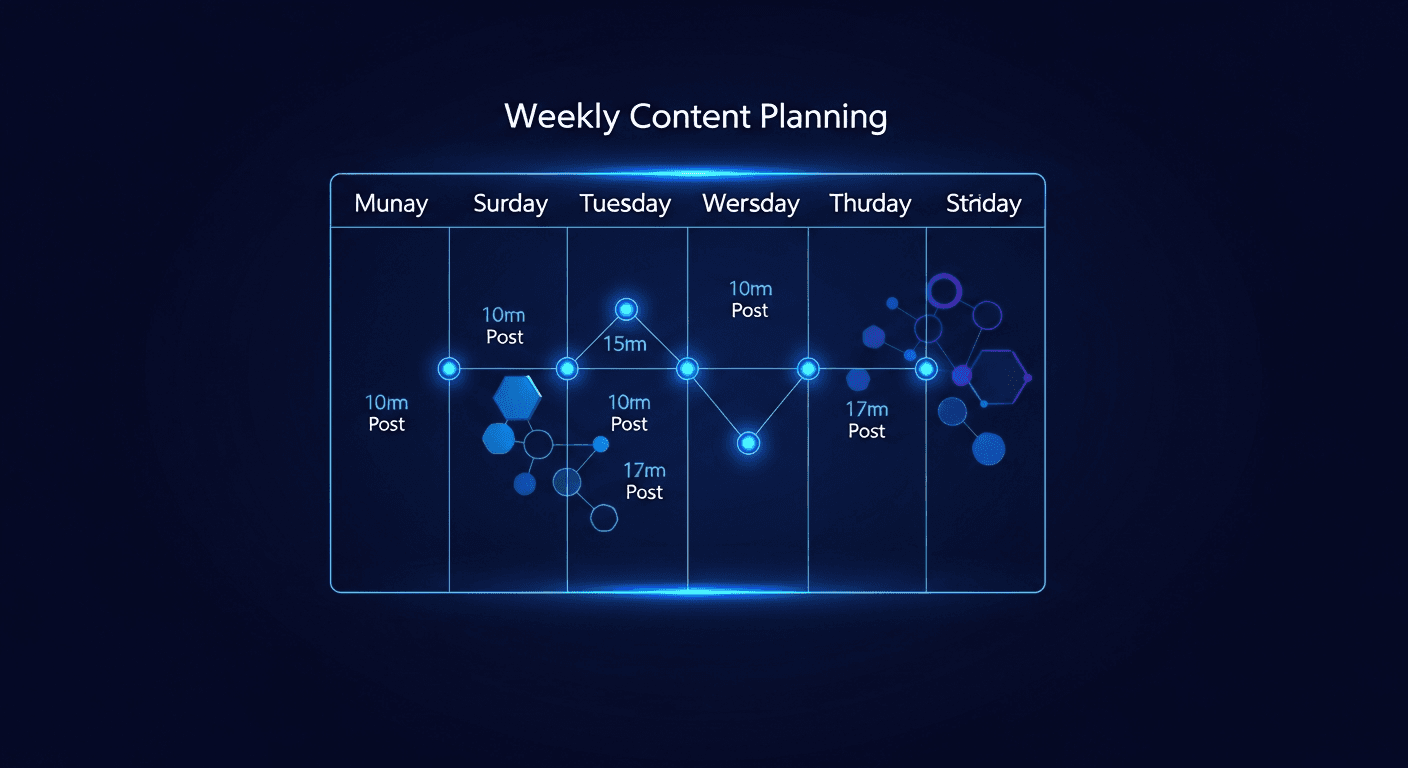
A social media content planner helps solo founders stay consistent without spending hours on content. Here is a simple weekly system that actually works.

Evaluate AI social media tools with a 3-part framework: test for authenticity, consistency, and lead quality before you buy. Here is what actually matters.

Most AI social tools produce generic output that repels your audience. Learn 5 criteria that separate voice-trained tools from template mills here.

AI social tools for creator teams: manage multiple client accounts with a separate voice profile per client, one flat subscription, and no per-seat fees.

The AI social tools that genuinely cost under $50/month, what each one caps, and when paying more is cheaper than working around the limits.

AI social media for B2B SaaS founders: build a founder-led brand on X and LinkedIn in your own voice, without living on social. A practical setup guide.

The best AI Twitter reply tools in 2026 ranked: XreplyAI, Typefully, TweetHunter, and more. Find the right ai reply generator twitter for your needs.

The best Tweet Hunter alternatives in 2026: XreplyAI, Typefully, Hypefury, and Buffer. Compare pricing, platforms, and AI reply quality to find your fit.

Comparing the 5 best Hypefury alternatives in 2026 by price, AI quality, and platform coverage. Find the right tool for your social media workflow.

The best Typefully alternatives in 2026: XreplyAI, Hypefury, Tweet Hunter, Buffer, and Publer. Compare features, pricing, and who each tool is for.

The 5 criteria that separate great AI reply tools from weak ones: voice fidelity, review workflow, platform reach, reply speed, and cost structure.

How to set up AI social media scheduling and auto-replies in your own voice: train an AI voice profile on your posts, then schedule and reply in minutes.

How to reply to 50+ posts a day on X without burnout: a repeatable workflow plus voice-matched AI that drafts replies that still sound like you.

Looking for the best Hypefury alternative in 2026? Compare XreplyAI, TweetHunter, and Typefully to find the right tool for reply-focused growth on X.
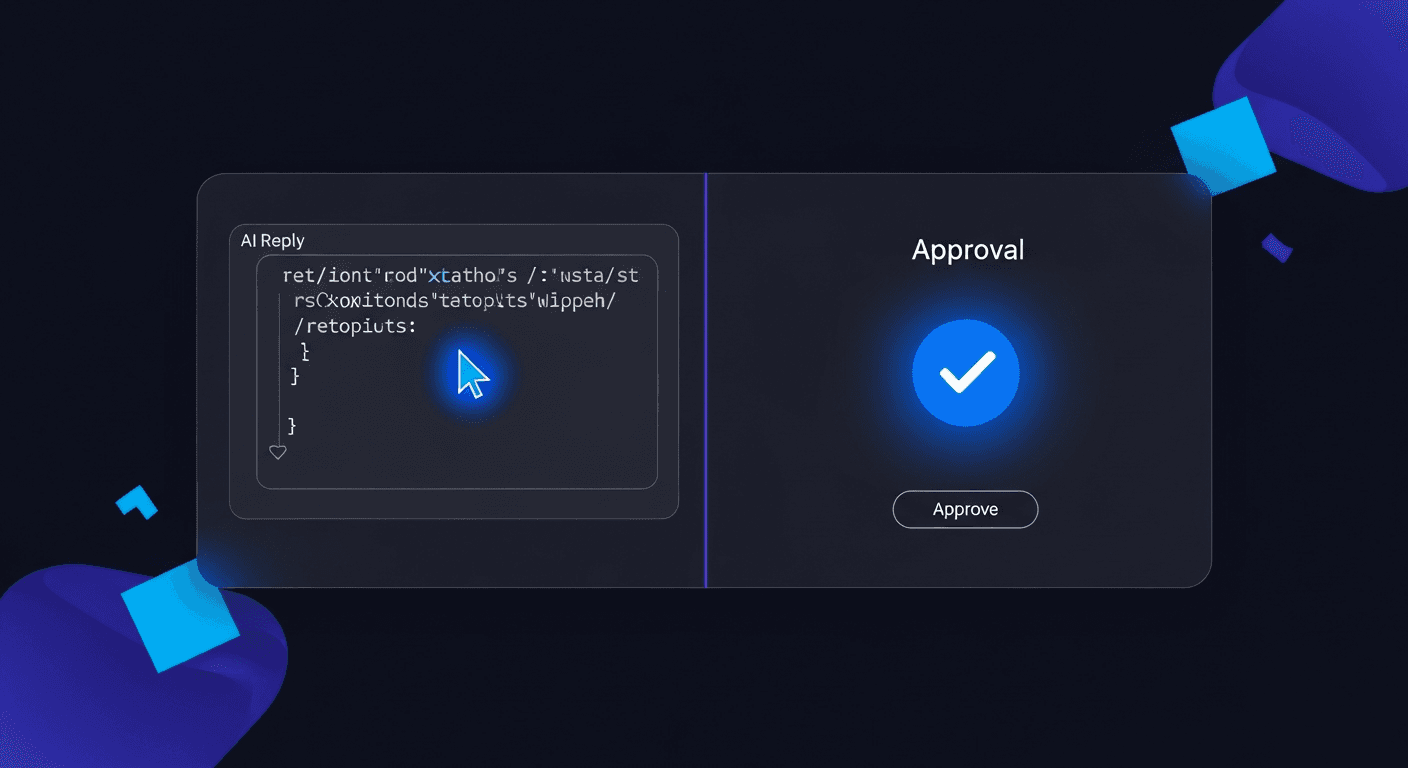
Set up an AI reply workflow where every draft lands in front of you before posting. Keep your voice, stay fast, and never lose control of your account.

Most founders post for months without growing. These 7 Twitter growth mistakes are silently killing your reach, and every single one has a direct fix.

How founders use X (Twitter) to build in public, attract customers, and grow credibility, with a clear strategy for replies, content, and voice.
How Twitter for consultants drives real inbound leads: the reply strategy, content types, and daily workflow to convert followers into paying clients.

Compare the 6 best Twitter/X reply tools in 2025: XreplyAI, Typefully, TweetHunter, Hypefury, Taplio, and ChatGPT. Find the right tool for your workflow.
HypeFury dropped X and now schedules 4 platforms at $6/channel. XreplyAI schedules 15 including X, with voice-matched drafts. Full 2026 comparison.

Learn how solo founders use Twitter for B2B sales through thought leadership, strategic replies, and DMs to generate inbound leads without cold email.
How to get your first 1,000 Twitter followers: a step-by-step, reply-first growth strategy that compounds over time, with no ads and no buying followers.

The warm Twitter DM strategy that founders use to convert followers into customers, leads, and real partnerships, without ever opening with a cold pitch.

Use Twitter X advanced search to find reply opportunities in your niche. Boolean operators, filters, and a repeatable discovery workflow.

Confused about Twitter impressions vs engagement rate? Learn which metric actually drives growth on X and what benchmarks to aim for by follower tier.

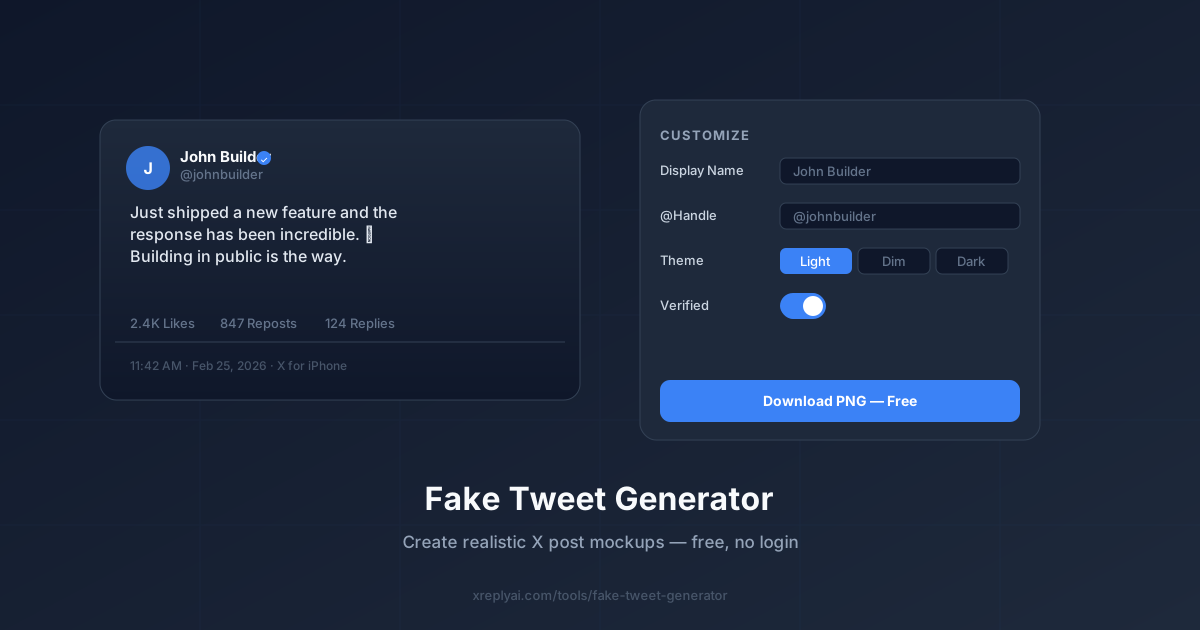
Make a free Twitter post right now with the fake tweet generator or a proven template, no sign-up. Then see all 7 free Twitter post makers compared.
The best AI social media tools in 2026: XreplyAI, Buffer AI, Typefully, Hypefury, and more. Honest breakdown of features, pricing, and who each tool is actually for.
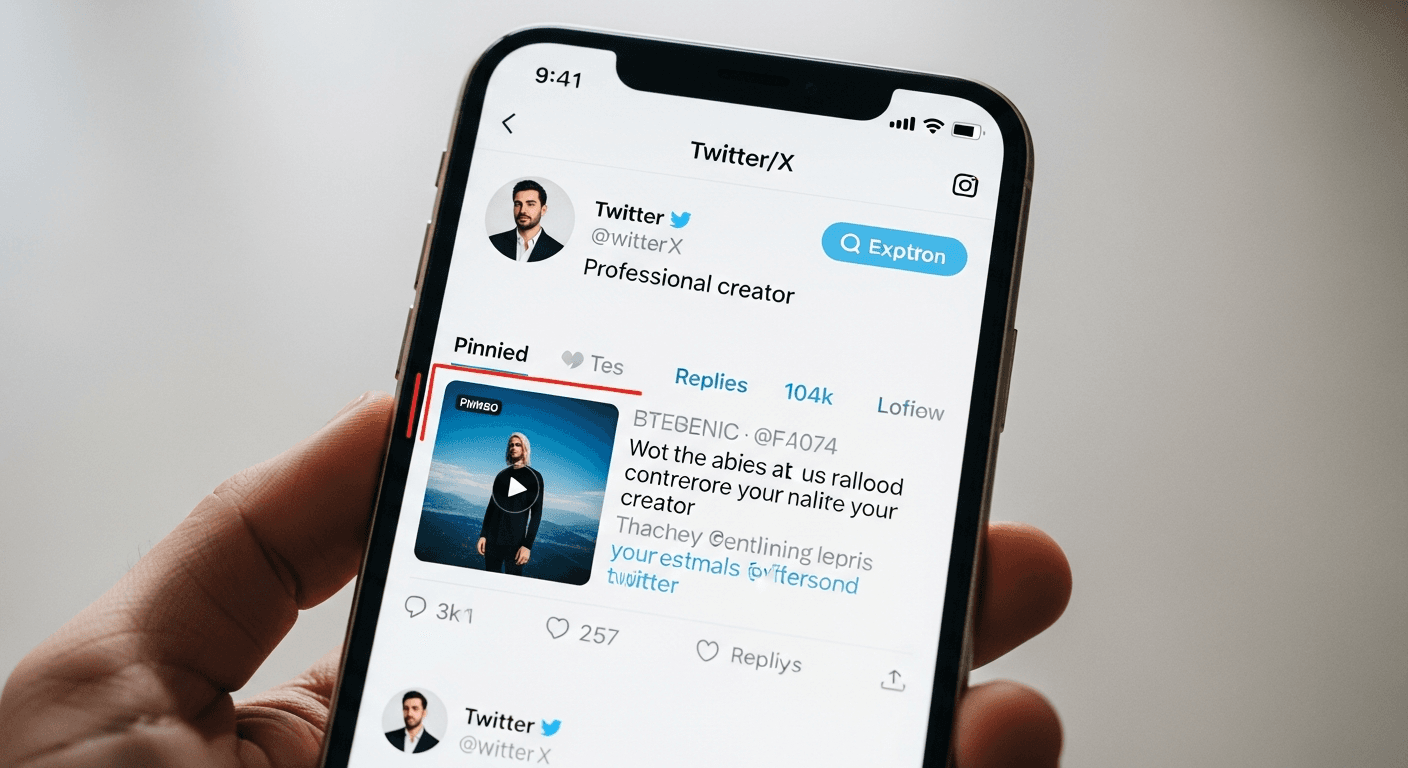
Your pinned tweet is prime real estate. Most creators waste it on an old viral post. Here is what the highest-converting pinned tweets look like in 2026.

Learn how to get verified on X Twitter with a blue checkmark through X Premium. What it costs, what you get, and whether it is worth it for your growth.

Learn how to write a Twitter bio that converts profile visitors into followers, with proven real-world examples for founders, creators, and indie hackers.

How to grow your X following from zero: a step-by-step strategy built on consistent replies and posts in your own voice, no ads or follow-for-follow.

Niche accounts grow faster than generalists on X. The 6-step playbook: pick a defensible niche, the content mix, the reply strategy, and how to measure it.

Run a quick X shadow ban check: the search tests that show if your posts are hidden, what triggers a shadow ban in 2026, and the steps that fix it.
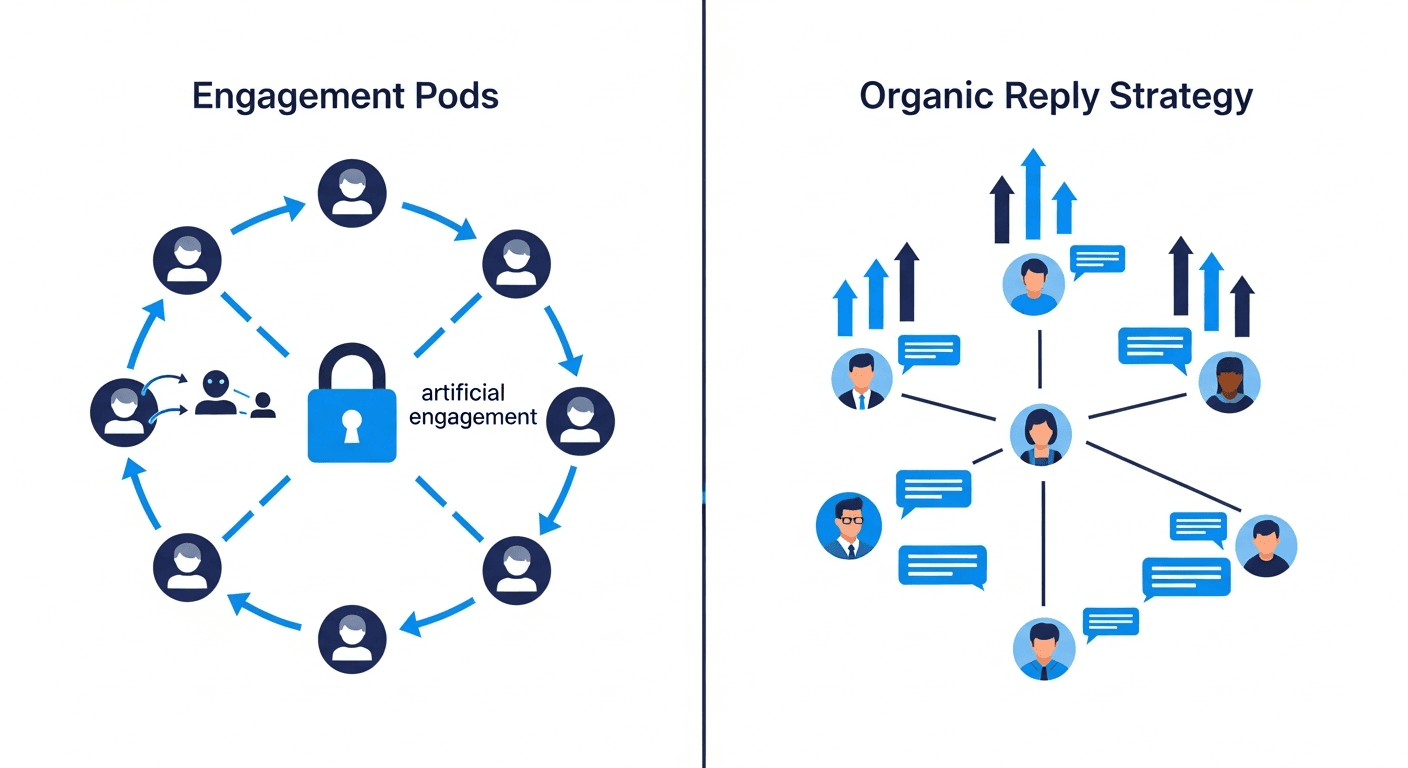
Twitter engagement pods stopped working years ago. Here is what actually drives real growth on X in 2026, and the reply strategy that replaced pods.

Generate and schedule tweets from your code editor using the XreplyAI MCP server. Draft and queue posts in Claude Code without leaving your terminal.

Learn how to build in public on Twitter and actually turn followers into paying customers, with a strategy that works for indie hackers and founders.

Learn how to build a personal brand on X with a step-by-step strategy: niche, voice, content, and consistency. Grow your audience starting today.

Twitter for solopreneurs: the practical playbook on reply strategy, content batching, and growing on X as a solo founder without spending hours daily.

AI won't replace your voice on X, but it will outwork you. Here's the honest breakdown of AI vs. manual tweeting and the workflow that wins.

Build a repeatable Twitter content calendar for solo founders: the weekly content mix, batching system, and scheduling tools that keep you posting.

How to use Twitter Lists to find reply opportunities: build targeted Lists, surface the right posts fast, and turn replies into followers on X.

Learn how to schedule posts to LinkedIn and Twitter at the same time. One workflow, two platforms, zero copy-pasting. Try XreplyAI free right now.
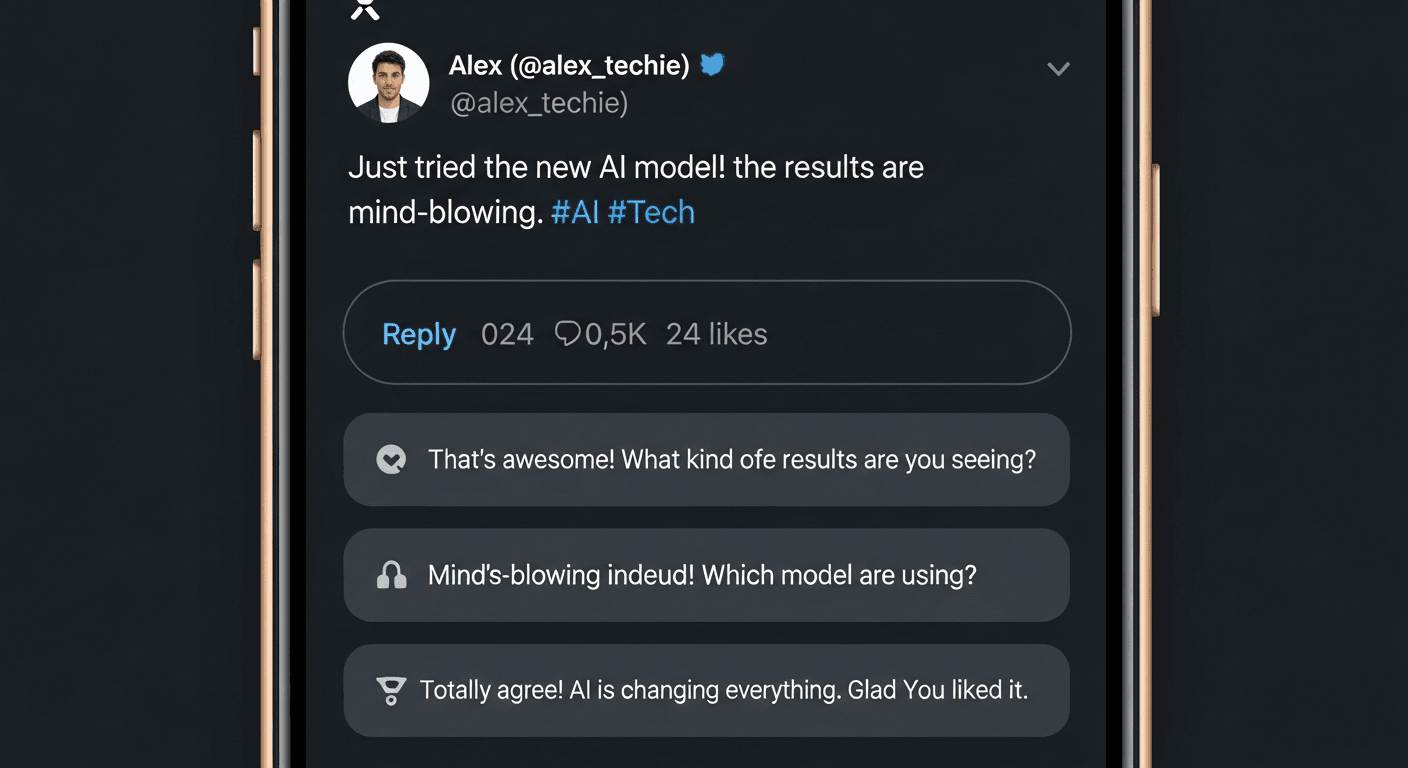
Use an AI tweet reply generator to engage on X without sounding like a bot. XreplyAI trains on your tweets so every reply sounds like you.

Good engagement rate on X benchmarks for 2025 help you understand what success looks like across various industries and content types for your account.

Twitter X statistics 2025 reveal crucial user numbers, daily actives, and market position, empowering creators with key data for strategic growth on the

How to set up XreplyAI with OpenClaw step by step: connect the MCP skill so you can generate and schedule tweets in your voice from a Telegram AI agent.

Import Twitter archive AI voice data to accurately build a unique AI voice profile that truly reflects your writing, moving beyond generic style questionnaires

How to write like a thought leader on X: Learn actionable strategies to consistently advance conversations, build authority, and establish yourself as a
Discover the best Typefully alternative for solo founders in 2026, exploring its strengths and weaknesses to help you choose the perfect tool.

Twitter engagement routine building is simplified as you learn to craft a personalized plan covering replies, posts, relationship maintenance, and performance
Find your ideal Hypefury alternative for 2026 by comparing top platforms, understanding key features, and selecting the best tool to optimize your content

How to get more Twitter followers without ads by optimizing your profile, engaging effectively, and using smart content strategies to grow your audience

Discover the best TweetHunter alternative for solo founders in 2026, offering superior X growth tools, AI content creation, and smart scheduling for maximum

How to batch your Twitter replies in one session: a focused workflow plus voice-matched AI drafts so you engage consistently on X without all-day scrolling.
Learn to set up your XreplyAI MCP server in Claude Code, covering all essential prerequisites and step-by-step instructions for seamless integration and

The Chrome extensions worth installing on X in 2026, sorted by job: replies, threads, analytics, and productivity. What each is for and when to skip it.

Does AI-generated content perform on X? What the algorithm rewards, why generic AI gets ignored, and how voice-matched AI content avoids the penalty.

How to monetize X Twitter: Learn 6 effective strategies, including X Ads Revenue Sharing and more, to start making money from your content and audience on the

X Twitter bookmarks are a powerful tool for growth; learn how to strategically use them to expand your reach, curate content, and engage with your audience

Learn what the XreplyAI MCP server is, how this open standard enables AI coding assistants to call external tools, and its function in enhancing AI development.

X Twitter analytics demystified: Learn how to access, read, and effectively use your data to understand performance and grow your presence on the platform.

Learn how replying to tweets grows your following by uncovering the specific chain of events and actionable strategies to effectively boost your follower count

The reply guy strategy isn't what you think; learn how to leverage this misunderstood method to authentically grow your X (Twitter) following fast and

XreplyAI MCP settings are key to automating your Twitter workflow on X; learn how to configure them to empower your AI assistant to act seamlessly across

Twitter engagement rate can be significantly improved by implementing proven strategies for content creation, audience interaction, and consistent posting
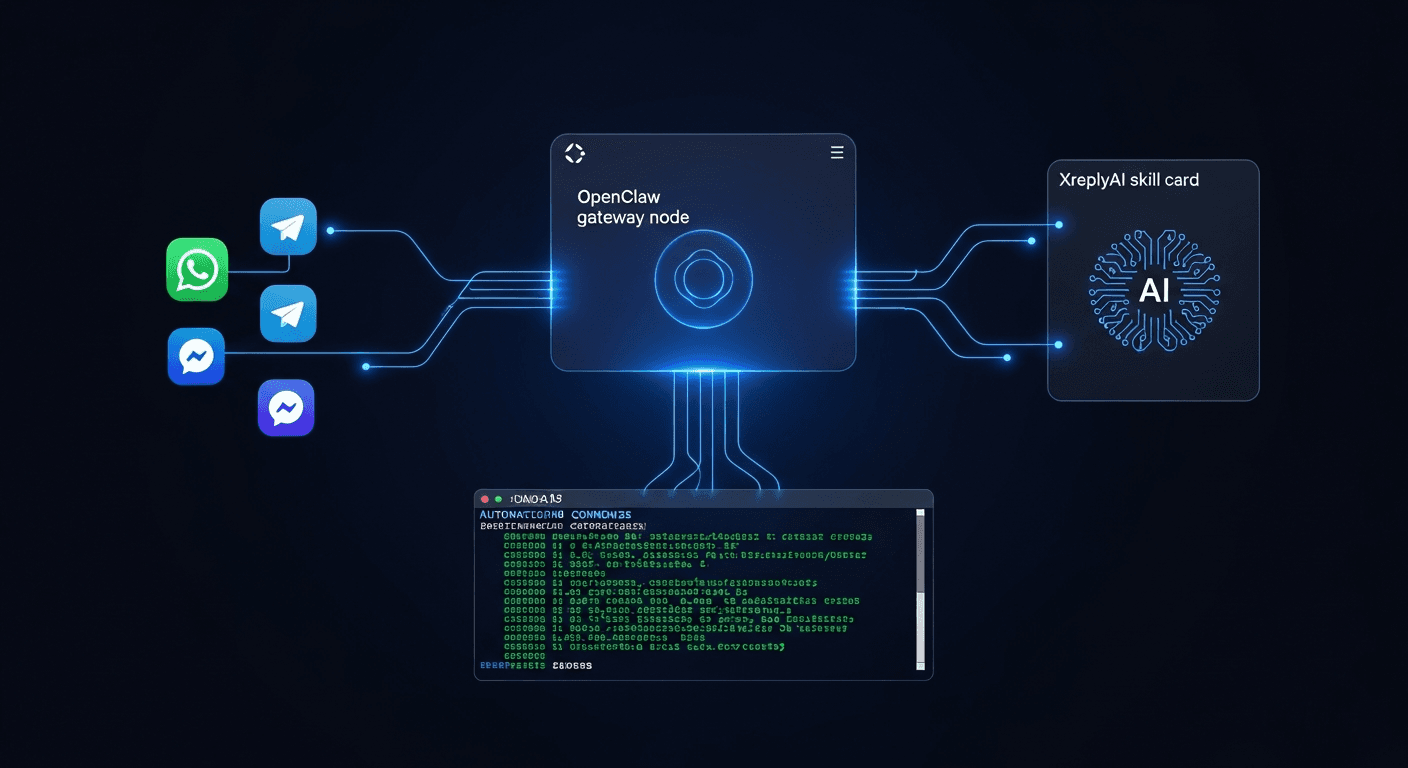
Use XreplyAI with OpenClaw to automate your X workflow: route replies through a self-hosted AI gateway and generate posts in your voice via MCP skills.

OpenClaw is a self-hosted AI gateway; learn how this open-source project connects your chat apps (WhatsApp, Telegram) to AI agent runtimes, running
Find perfect tweet reply templates & examples to craft engaging responses that add value, offer new perspectives, share experiences, or ask insightful

Automate your Twitter workflow with the XreplyAI MCP server: generate, schedule, and reply on X from Claude and other MCP clients in your own voice.

We compared 8 AI tools for X creators in 2026: reply generators, thread writers, schedulers, and analytics. What each does well, and the two worth paying for.
Train AI to write in your voice for X (Twitter) by learning practical strategies to give models enough context about your unique style and adapt their output

Learn how to use AI to reply to tweets effectively, customizing responses with your unique tone and context to avoid sounding like a generic bot.

How to write viral tweets: Learn 12 proven hook formulas to grab attention and make your tweets unskippable in 2026, ensuring high performance and engagement.

X open-sourced its Grok-powered algorithm in 2026. The exact published weights: a reply counts for 27 likes, the 60-minute window, and what gets buried.

Send a DM on X step by step on desktop or mobile, change who can message you, start a group DM, and work around the daily send limits. Updated for 2026.

How to grow on X using replies in 2026 by mastering engagement strategies that overcome algorithm challenges for small accounts and boost your reach.
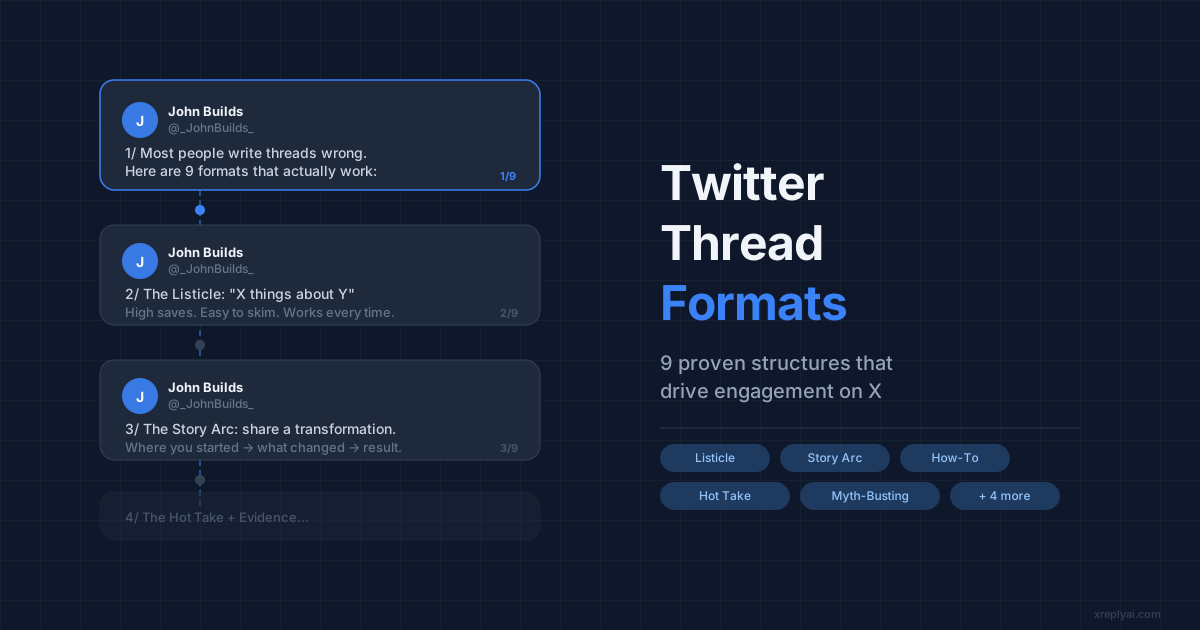
Master the 9 best Twitter thread formats — listicle, story arc, hot take, how-to, and more. With examples and a free thread generator tool.

Turn every like, reply, and retweet into a direct conversation. XreplyAI's Auto-DM fires a personalised DM the moment someone engages with your tweet — here's how to set it up.
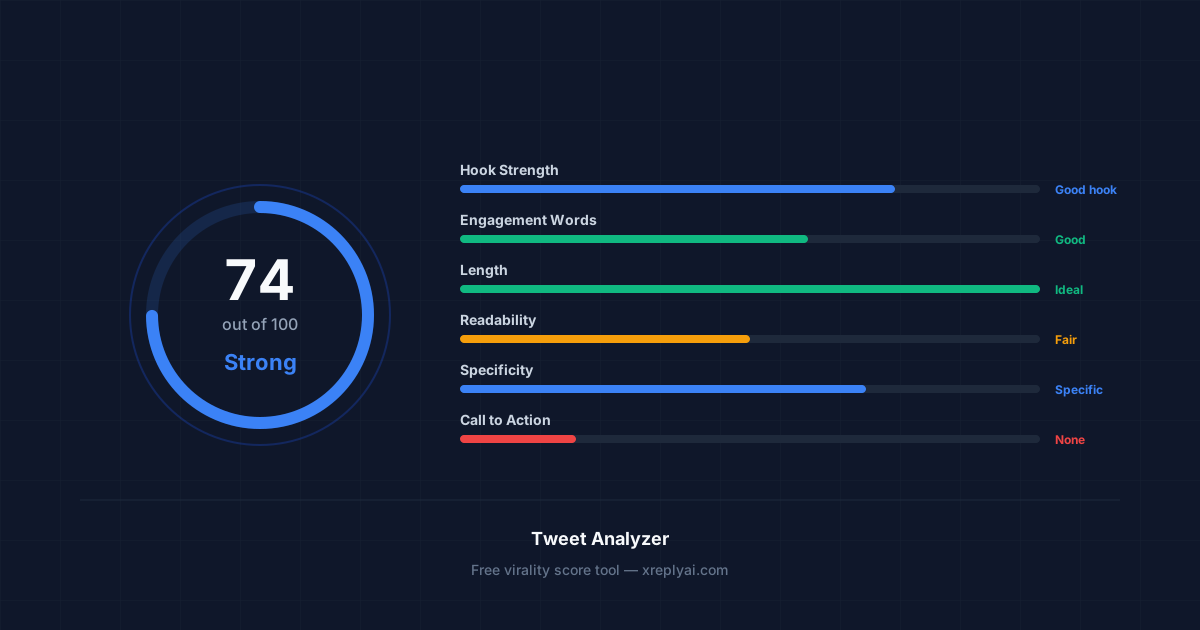
Learn the six signals that make tweets go viral — hook strength, engagement words, length, readability, specificity, and CTA. Use our free tool to score any tweet instantly.
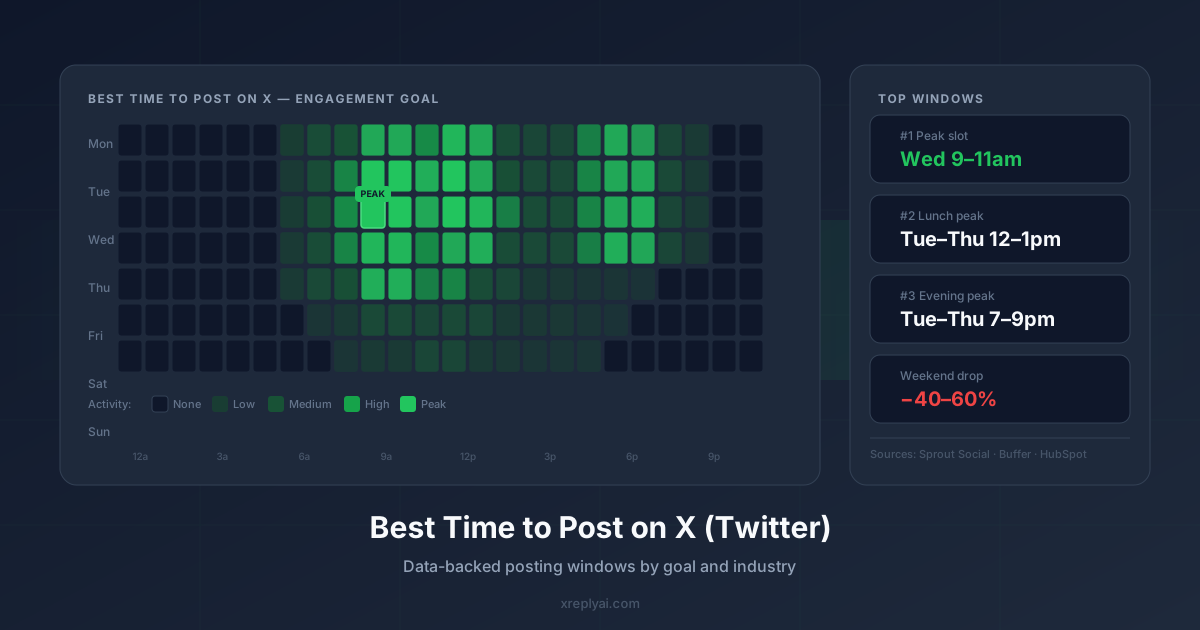
Posting at the wrong time can cost you 40% of your potential reach. Here's when to post on X — by goal, by industry, and how to find your own best windows.
Create pixel-perfect X (Twitter) post mockups in under a minute — no design skills, no login, no watermark. Here's how.
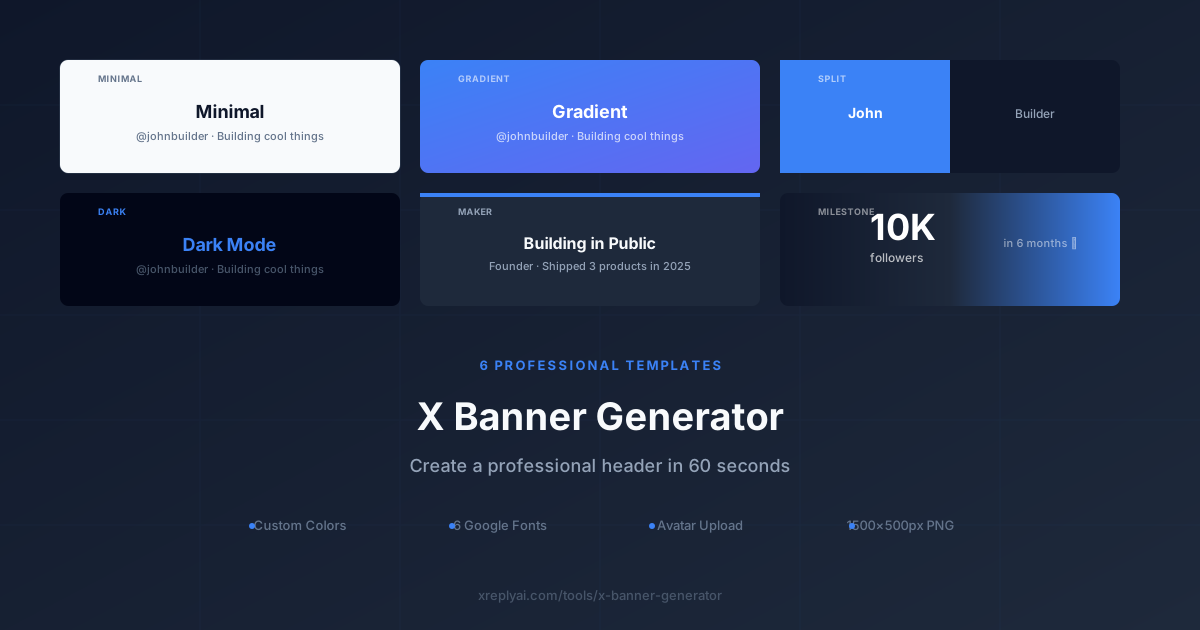
6 templates, custom colors, milestone stats — create a professional X profile banner and download as 1500x500px PNG. Free, no watermark.
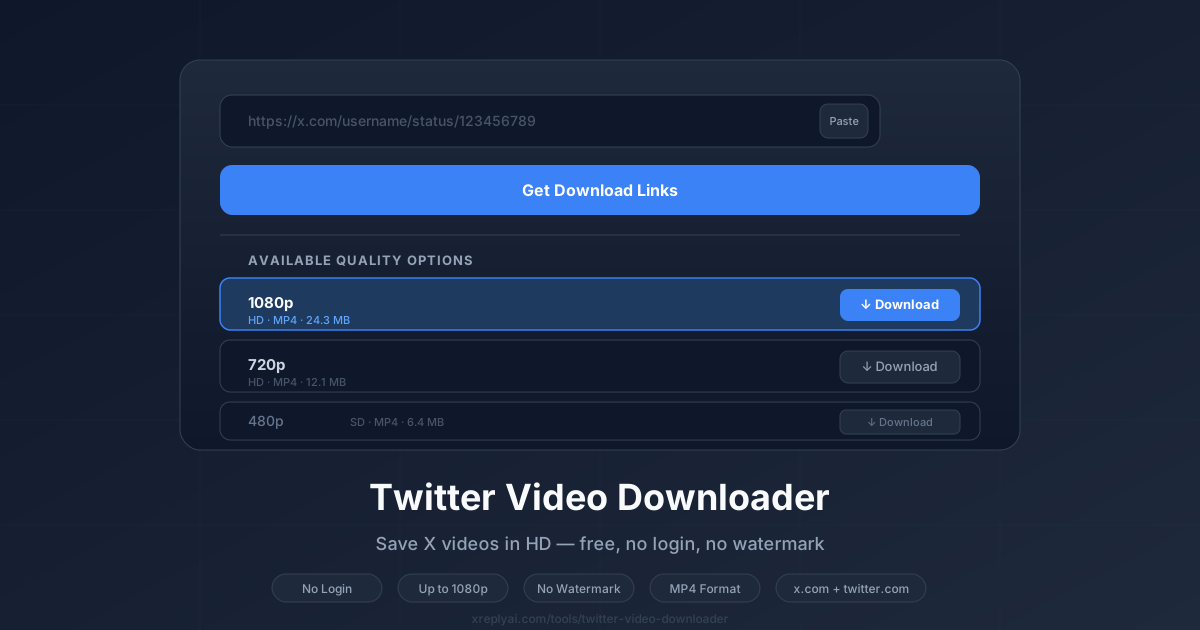
Paste any tweet URL and download the video in up to 1080p — free, no login, no watermark. Here's how and what you need to know.

LinkedIn does not have a native text editor — but you can add bold, italic, and special characters using Unicode. Here is how to format LinkedIn posts that stand out.