AI Draft Replies: Review Before You Post
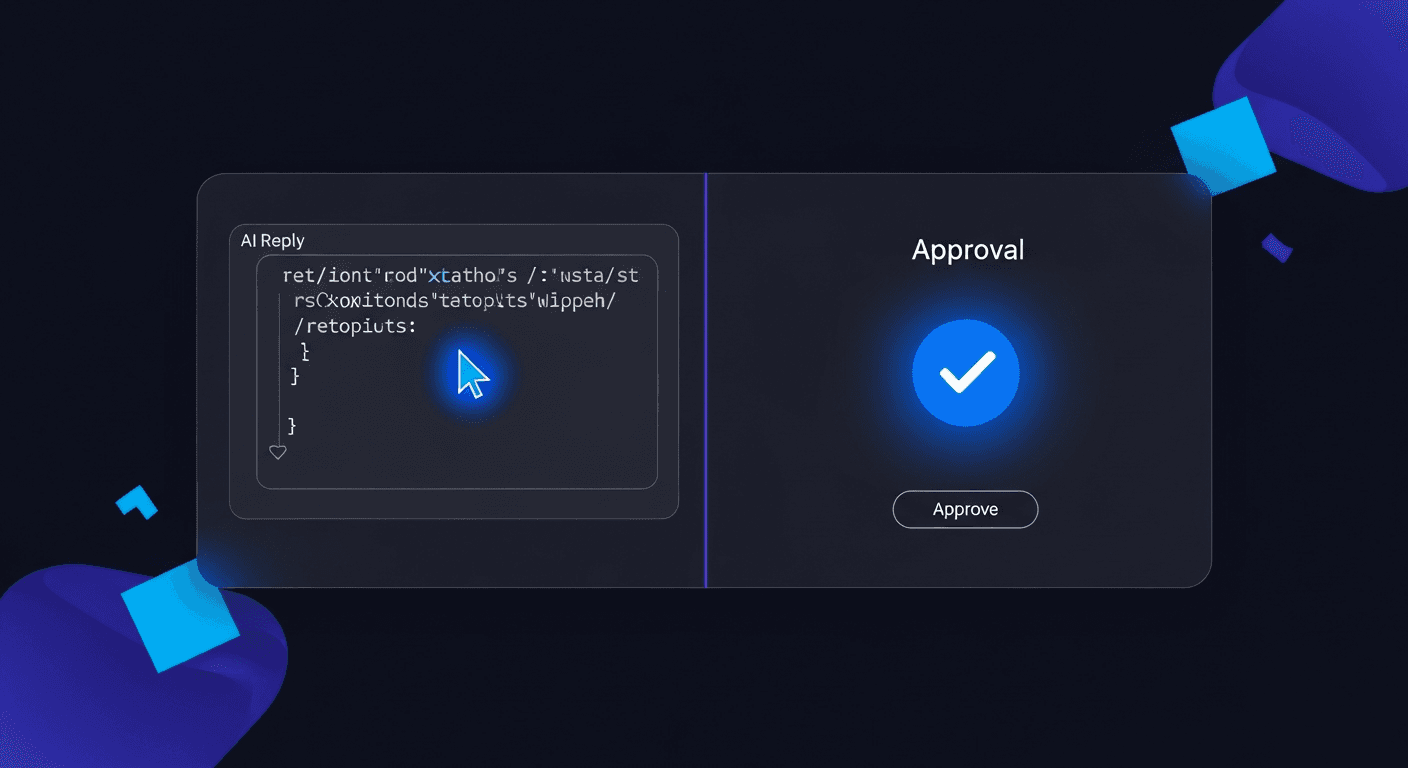
The right AI reply workflow generates drafts automatically, surfaces them for your review inside your browser, and posts only after you approve. The whole review step takes under 10 seconds per reply.
Fully automated posting tools promise speed. Some of them deliver it. What they do not deliver is control. When an AI posts directly to your account without your eyes on it, you are one bad draft away from a public embarrassment you cannot take back.
The better model is a review-before-post workflow: AI generates the draft, you see it in context, you approve or edit in a single click, and only then does it go live. You get the speed of AI without surrendering your reputation to it.
XreplyAI is built around this model. The Chrome extension surfaces AI-generated replies directly inside X, inline with the conversation. You never leave the page to copy-paste from ChatGPT. You never wonder if the draft will embarrass you. Every reply that leaves your account has passed through your judgment first.
Why Fully Automated AI Posting Is a Risk You Should Not Take
In short: Fully automated AI posting removes the human review step, which means off-tone, factually wrong, or context-blind replies can publish under your name before you notice.
AI models are good at generating plausible text. They are not good at knowing whether your current context makes a particular reply appropriate. A thread about a founder grieving a failed startup is not the moment for a cheerful engagement reply. A post from a journalist you want to impress is not the place for a generic take.
Automated tools cannot read those signals. You can. The review step is where your human judgment catches the drafts that would damage your credibility before they reach anyone else's timeline.
There is also the volume problem. If an automated tool fires off 40 replies a day, and even 5% of them are off, that is two bad replies per day compounding against your reputation. Over a month, you have accumulated dozens of posts you would never have approved consciously.
Speed matters on X. But speed without review is not a workflow optimization. It is a liability transfer from the AI vendor to your personal account.
What Makes a Review-Before-Post Workflow Actually Work?
In short: A working review-before-post workflow delivers the draft inside the platform you are already using, requires no more than one click to approve, and surfaces context alongside the draft so the review takes seconds rather than minutes.
The failure mode for review workflows is friction. If reviewing a draft requires opening a second tab, switching to a dashboard, or reading a reply divorced from its original thread, most users will skip the review or abandon the tool entirely.
The review needs to happen inline. You are already looking at the post you want to reply to. The draft should appear below it, inside the same page, ready for a single-click approval.
Context matters too. A draft that looks fine in isolation can look wrong once you read the post above it. Good review workflows keep the original post visible so you can compare the draft against the actual question or statement you are responding to.
XreplyAI surfaces drafts exactly this way. The extension injects the draft directly into the X reply box, pre-populated but not posted. You read it, optionally edit a word or two, and hit reply when you are satisfied. The entire review takes between five and fifteen seconds per reply for most users.
The XreplyAI Workflow in Detail
In short: XreplyAI drafts replies in your trained voice, surfaces them inline inside X via the Chrome extension, and posts only after you click approve. No dashboard switching, no copy-paste.
The workflow starts with your voice profile. XreplyAI trains on your past tweets so the drafts it generates reflect your tone, vocabulary, and typical reply length. A reply generated for you does not sound like a reply generated for a marketing agency or a tech journalist. It sounds like you.
When you are browsing X and want to reply to a post, you click the XreplyAI button that appears next to the native reply field. The extension reads the post, pulls context from your voice profile, and generates a draft. The draft appears in the reply box immediately.
You review it. If it is good, you post. If one phrase is off, you edit that phrase and post. If the draft missed the mark entirely, you click regenerate and get a new one. The whole interaction happens inside X with no context switching.
Because replies are trained on your archive and reviewed before posting, your audience sees consistent, on-voice engagement rather than the generic AI output that experienced X users can spot immediately. The voice matching feature is what separates this from generic ChatGPT copy-paste.
How Is This Different From Copy-Pasting Out of ChatGPT?
In short: ChatGPT generates generic text with no knowledge of your voice, your follower context, or the specific post you are replying to. XreplyAI generates voice-trained, context-aware drafts inline on the page you are already using.
A typical ChatGPT workflow looks like this: you copy the post text, switch to ChatGPT, paste it in, write a prompt asking for a reply, copy the output, switch back to X, paste the reply, edit it because it sounds generic, then post. That process takes two to five minutes per reply.
XreplyAI collapses that to under 30 seconds. More importantly, it removes the voice problem. ChatGPT does not know how you write. Every prompt starts from scratch. The output will sound like ChatGPT unless you invest significant effort in system prompts and few-shot examples on every single session.
XreplyAI also reads the specific post you are replying to. It uses that context plus your voice profile to generate a reply that is relevant to the exact conversation rather than a generic engagement comment that could have been written for any tweet on any topic.
The result is a reply that sounds like you wrote it, about the specific post in question, in the time it takes to read and approve. People who do this at scale use the reply to 50 posts a day pattern to build consistent engagement without burning hours on manual drafting.
How Fast Is the Review Step Actually?
In short: For most replies, the review step takes between five and fifteen seconds. Voice-trained drafts rarely need significant editing, so the bottleneck is reading, not rewriting.
The time cost of review is the main reason people consider skipping it entirely. The assumption is that review will slow you down enough to cancel out the speed gains from AI drafting. That assumption is wrong when the drafts are good.
When XreplyAI generates a draft in your voice, most of the time the draft is close enough to approve with no changes. You read it in five seconds, confirm it sounds right, and post. The review adds five seconds to a process that would have taken three minutes without AI.
On the days where a draft needs a small edit, you spend fifteen to thirty seconds adjusting one phrase. Still faster than writing from scratch. And faster than the alternative, which is writing nothing because you did not have time to engage that day.
The compounding value of review-before-post is not speed on any individual reply. It is the confidence to do high volume engagement knowing that every reply that leaves your account met your standard. That confidence is what enables the reply guy strategy to work at scale without anxiety.
How Do You Set Up This Workflow for Yourself?
In short: Install the XreplyAI Chrome extension, complete the onboarding to build your voice profile, and start generating inline drafts on X. The full setup takes under 10 minutes.
The first step is installing the XreplyAI Chrome extension from the Chrome Web Store. The extension integrates directly with X and adds the AI reply button to the native reply interface.
After installation, you go through the XreplyAI onboarding flow. This is where you upload or connect your tweet archive so the system can build your voice profile. The more past tweets it has to learn from, the stronger the voice match.
There is no AI key to configure. Generation runs on a managed pool spanning Gemini, Claude, and OpenAI, so it works out of the box on paid plans and drafts are not capped at whatever one vendor ships this quarter. Pricing is a flat subscription rather than per-generation credits, so the cost stays predictable no matter how much you reply.
Once set up, the workflow requires no configuration on a per-reply basis. You browse X normally. When you want to reply, you click the button, review the draft, and post. The system handles the voice profile, the context reading, and the API call in the background.
The review-before-post workflow is the right default for AI reply generation. It gives you the speed of AI drafting without surrendering control of your account or your voice. The review step costs seconds. The damage from skipping it can cost followers, professional relationships, and credibility you spent months building.
XreplyAI is built to make this workflow as fast as possible: voice-trained drafts, inline review inside X, and one-click approval. If you want to engage consistently on X without risking your reputation to fully automated tools, try XreplyAI free and see how the review workflow feels in practice.
FAQ
- What is a review-before-post AI workflow?
- A review-before-post AI workflow generates reply drafts automatically but requires your approval before anything is published. The AI handles the drafting. You handle the final judgment. Nothing posts without your sign-off. This preserves your voice and catches any drafts that would be off-tone or contextually wrong.
- Is it safe to let AI post replies automatically without review?
- Fully automated posting carries real risk. AI models generate plausible text but cannot always judge whether a reply is appropriate for a specific conversation. Off-tone, factually wrong, or context-blind replies can publish under your name before you notice, and on X, public mistakes are visible to everyone.
- How long does reviewing an AI reply draft actually take?
- With a well-trained voice profile, most drafts take five to fifteen seconds to review. The draft sounds like you, matches the conversation context, and usually needs no editing. You read it, confirm it is right, and post. High-friction review tools add minutes. Inline review tools add seconds.
- How is XreplyAI different from typing replies into ChatGPT?
- ChatGPT generates generic text with no knowledge of your writing style or follower context. XreplyAI trains on your own tweets, reads the specific post you are replying to, and surfaces the draft inline inside X. No tab switching, no copy-paste, and the output sounds like you wrote it rather than an AI.
- Do I need to review every single AI reply before posting?
- Yes, and it is faster than it sounds. Reviewing a good draft takes under 15 seconds. Skipping review to save those seconds trades your account credibility for a marginal time gain. The review step is the safety check that makes high-volume AI engagement sustainable long term.
- What AI models does XreplyAI use for reply generation?
- Generation runs on a managed pool spanning Gemini, Claude, and OpenAI. There is no key to connect and no model to pick: the routing happens for you, which means the drafts are not tied to whichever vendor happened to be ahead when you signed up. Every draft still lands in the reply box for you to read before it posts.
- Can I edit the AI draft before posting?
- Yes. The draft appears in the X reply box and is fully editable before you post. You can change a word, rewrite a sentence, or discard the draft entirely and regenerate. The extension never forces you to post a draft you are not satisfied with.
- Does this workflow work for replies on LinkedIn and other platforms too?
- XreplyAI currently focuses on X via the Chrome extension for inline reply generation. Scheduling and content tools support multiple platforms including LinkedIn, Instagram, and Threads. Check the feature roadmap on the site for the latest platform coverage.