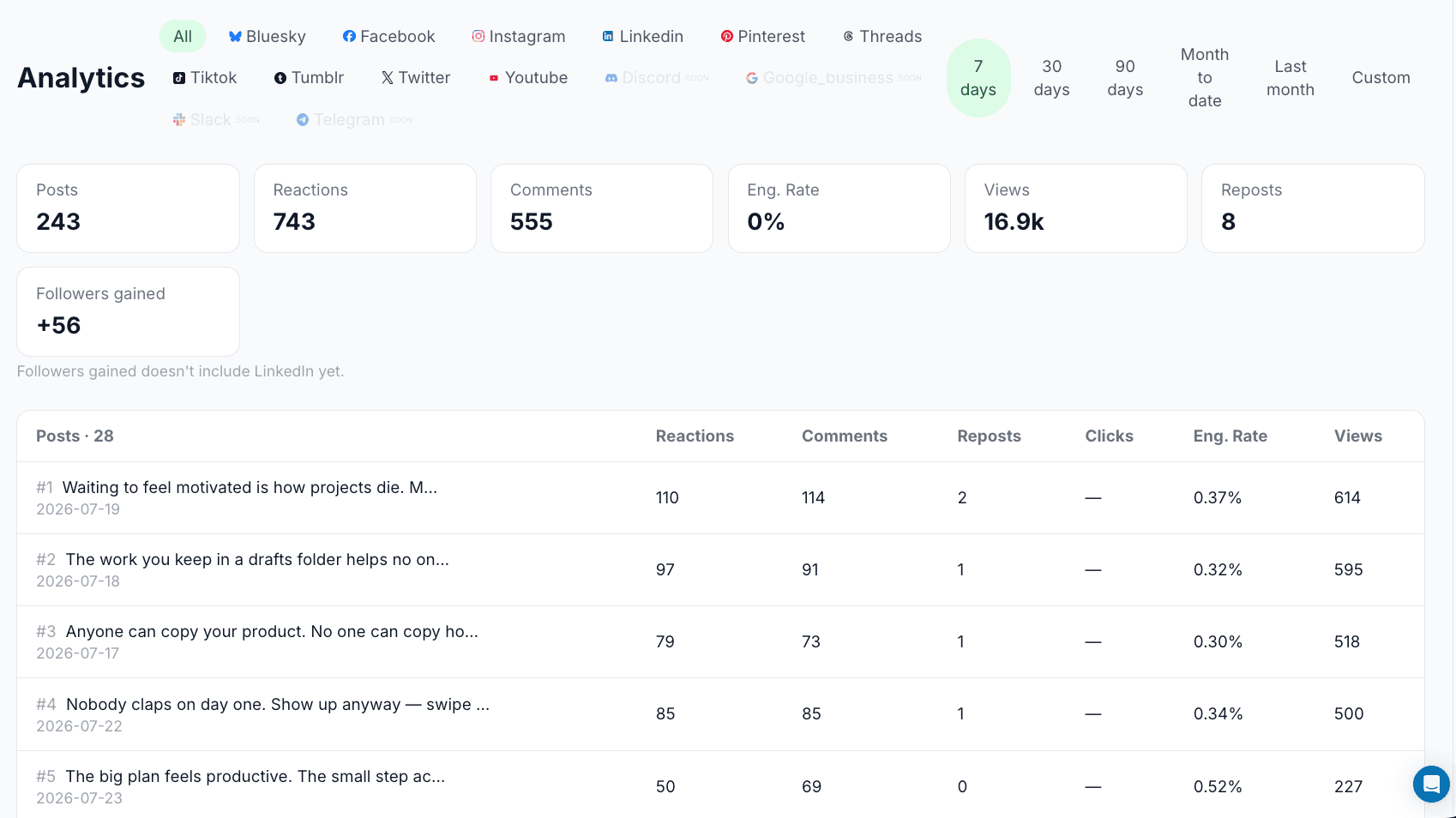
15 platforms, one calendar. Telegram included

Telegram Scheduling Tool: Schedule Channel Posts in Advance

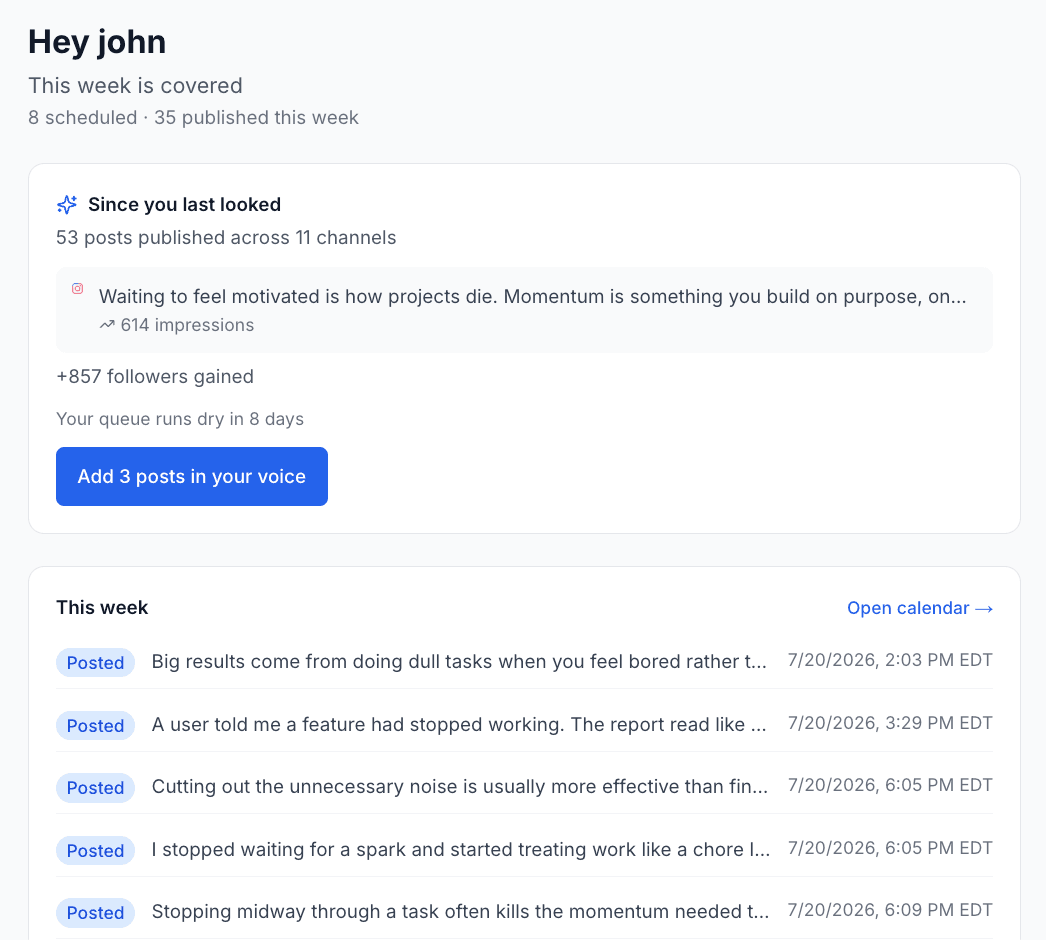
Set your posting rhythm once, drop Telegram channel posts in, and XreplyAI publishes them on schedule. The same calendar covers 14 more platforms.

A Telegram scheduling tool lets you queue channel posts once and publish them on a set schedule. XreplyAI schedules Telegram posts in advance. It puts your Telegram channel on the same calendar as 14 other platforms, so your announcement rhythm is planned rather than improvised.

Telegram vs. a multi-platform scheduler

Telegram can schedule a message from the composer, one message at a time, inside the app. It has no cross-platform queue, so a channel post that should also hit X or Discord is a separate manual job. Read our roundup of the best social media scheduling tools for a full comparison.

FeatureTelegramXreplyAI
Schedule posts aheadYes, one at a timeYes
Queue-first posting rhythmNo: pick a time per postYes: set once, auto-slot
Batch a whole calendarNoYes
Other platformsTelegram onlyX, LinkedIn, Discord, Slack + 10 more
Everything queued in one viewTelegram onlyAll 15 platforms
CostFree (native)$249/mo, unlimited channels
Per-seat feesN/ANone

How to schedule Telegram posts in advance with XreplyAI

Connect once, set your rhythm, drop content in. XreplyAI handles the rest.

01

Connect Telegram

Link your Telegram account in a couple of clicks.

02

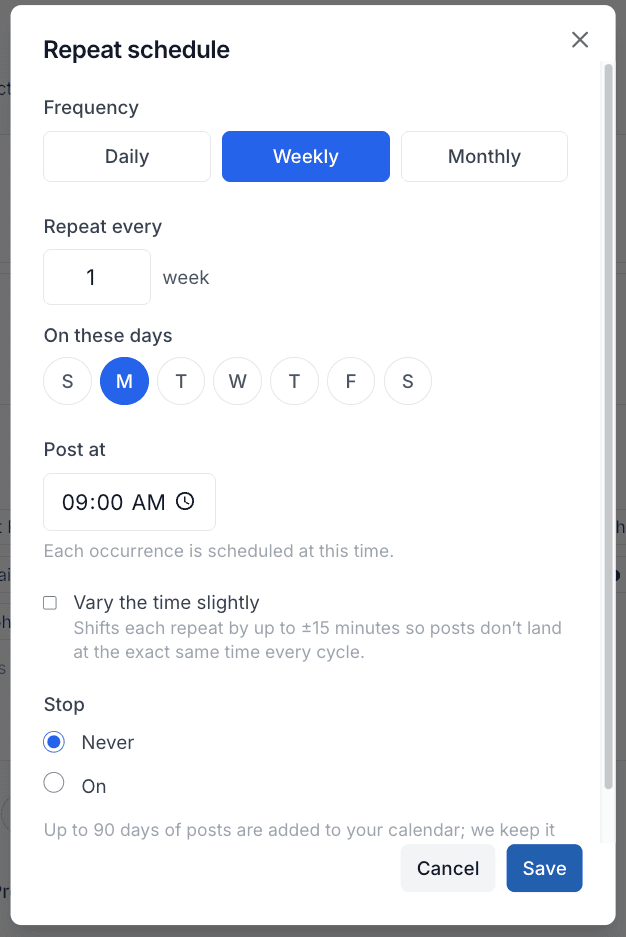
Set your posting schedule

Pick the days and times you want posts to go out. Set it once and XreplyAI fills the next open slot every time you add one. No picking a time for each post.

03

Queue your posts

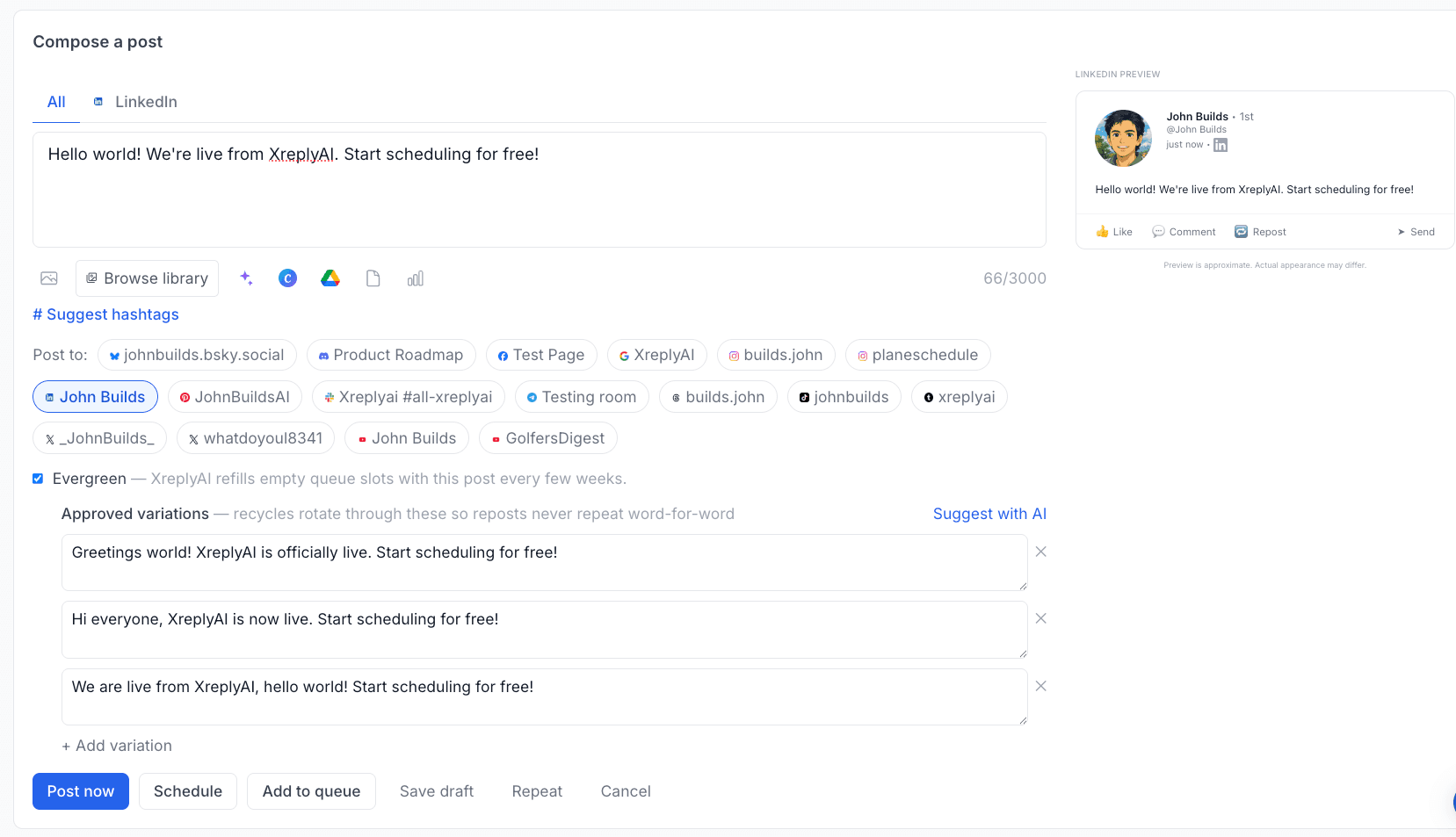
Batch a week of content in one sitting and drop it on the calendar. Send the same post to other platforms from the same entry.

04

Auto-publish on schedule

XreplyAI publishes directly to Telegram at the scheduled time. No reminder, no manual step. It goes out while you are doing something else.

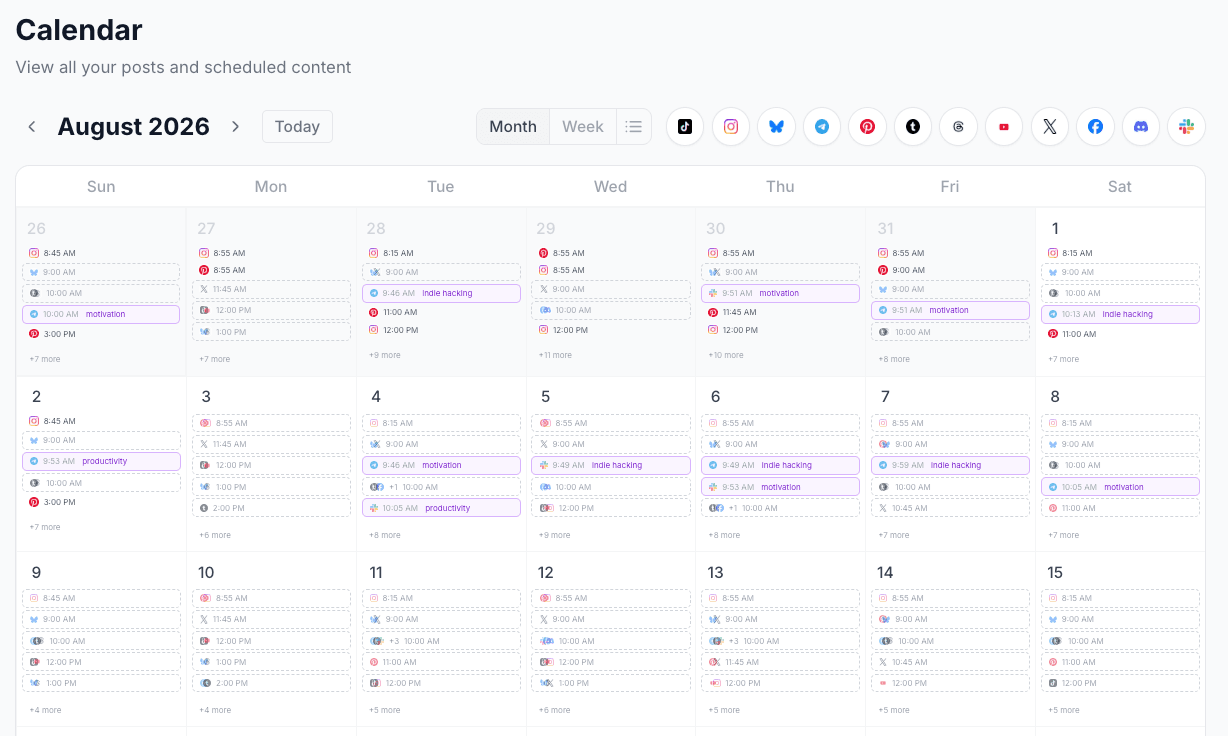
One calendar for Telegram and 14 other platforms

Single-platform tools stop at one network. Add a second and you add a second login and a second calendar to keep in sync. XreplyAI is one calendar for all 15, on one subscription with no per-channel charges.

X (Twitter)
LinkedIn
Instagram
Threads
Facebook
YouTube
TikTok
Pinterest
Bluesky
Mastodon
Discord
Telegram
Tumblr
Google Business
Slack

15 platforms, one calendar. Set your posting schedule once, drop content in when you have it, and XreplyAI fits each post into the next open slot across every channel you have connected. No per-seat fees, no per-channel charges.

One plan, every platform

XreplyAI is one subscription, no per-seat fees, with Unlimited at $249/mo for unlimited channels. A 7-day trial is there when you want to try AI generation.

Get tips on scheduling Telegram + other platforms

Join founders and creators who schedule consistently across 15 platforms.

No spam. Unsubscribe anytime.

Telegram scheduling: common questions

Everything about scheduling Telegram posts in advance with XreplyAI.

Does Telegram let you schedule posts natively?

Telegram can schedule an individual message from the composer, but only one at a time and only within Telegram. XreplyAI batches a whole calendar and covers 14 other platforms alongside it.

How many Telegram posts can I schedule in advance?

Unlimited is $249/mo and lifts both limits entirely: unlimited connected channels and unlimited scheduled posts, with AI included.

Does XreplyAI actually publish the post, or just remind me?

It publishes. Connect your Telegram account, add the post to your calendar, and XreplyAI publishes it at the scheduled time. No reminder, no manual step.

Can I schedule the same post to Telegram and other platforms at once?

Yes. XreplyAI schedules across 15 platforms from one calendar: X, LinkedIn, Instagram, Threads, Facebook, YouTube, TikTok, Pinterest, Bluesky, Mastodon, Discord, Telegram, Tumblr, Google Business, and Slack. One draft, one calendar, every platform.

Does this post to a channel or a private chat?

A channel. Connect the Telegram channel you manage and scheduled posts publish there at the scheduled time.

Further reading

Schedule other platforms

Every platform below runs from the same calendar as Telegram.

Schedule your Telegram posts. Then forget about them.

Set your posting rhythm once, drop content in, and let XreplyAI publish it on time, across Telegram and 14 other platforms from one calendar.

Start Scheduling →