SocialBee Alternative: XreplyAI vs SocialBee
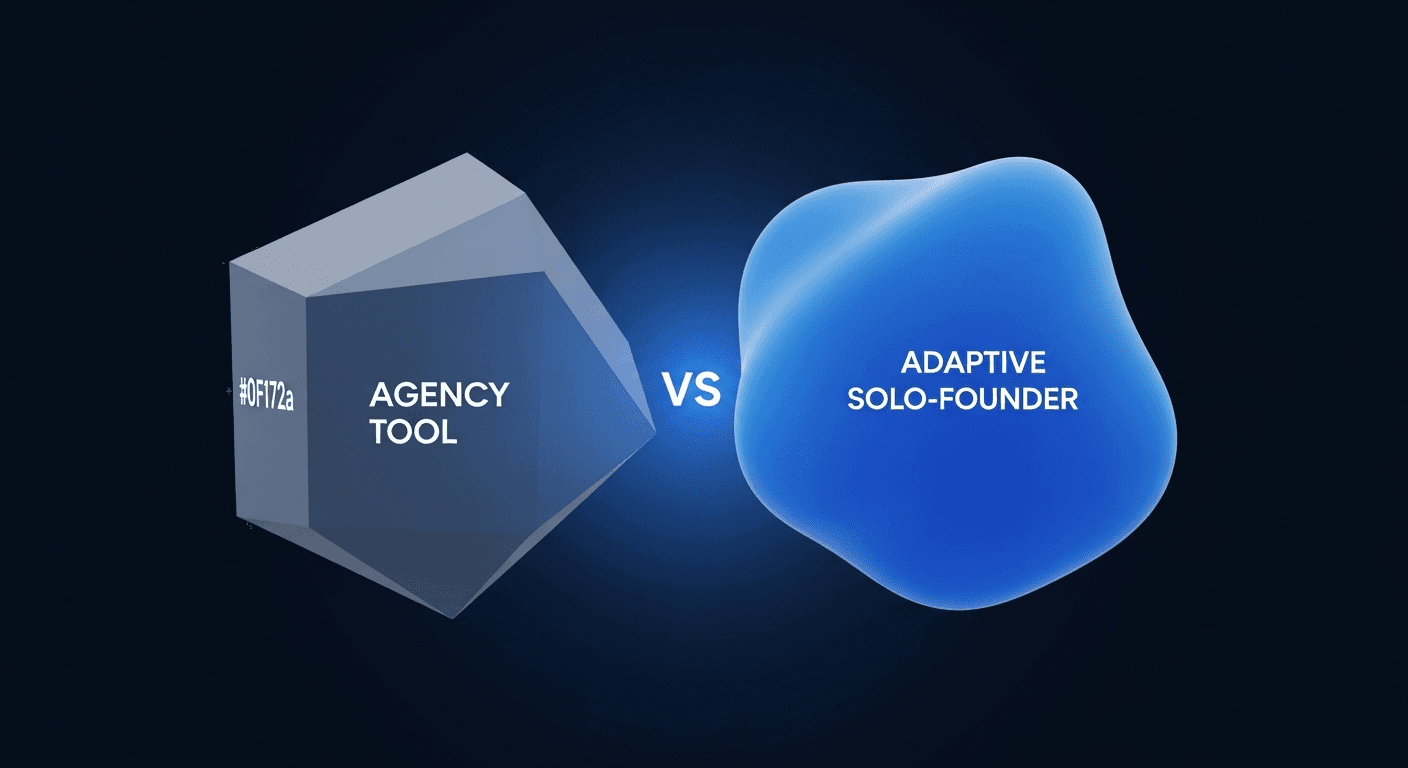
SocialBee has been around long enough to earn a solid reputation among content teams and agencies. If you need content recycling queues, a shared workspace for five people, and detailed category-based scheduling, it does that well. The problem is the pricing model: per-seat fees add up fast when you're a solo founder or a tiny team where everyone needs access.
XreplyAI takes the opposite approach. One workspace, one subscription, no per-seat ceiling. AI generation is included in the subscription at every plan tier. The voice profile trains on your actual tweet archive so drafts sound like you wrote them, not like a style prompt someone filled out in a settings page.
This comparison covers the real differences: pricing structure, voice quality, platform support, and who each tool is actually built for. If you're a solo founder deciding where to put your $30–60/month, the distinction matters.
In short: SocialBee is a social media scheduling platform built for content teams, marketing agencies, and small businesses that need category-based queue management and collaborative workspaces.
SocialBee launched with a specific positioning: content recycling. The idea is that evergreen posts get queued into rotating categories so your calendar never runs dry. For an agency managing ten client accounts with three people rotating through drafts, that makes a lot of sense.
The platform supports X, LinkedIn, Facebook, Instagram, Pinterest, TikTok, Google Business Profile, and YouTube. It has AI writing built in, Canva integration, and a clean visual calendar. None of that is bad. The issue is the fit: almost every feature of SocialBee, concierge setup services, team permissions, dedicated account managers at higher tiers, assumes you have a team, a client roster, or both.
Solo founders building in public don’t need concierge setup. They need posts that sound like them, a scheduler that doesn’t add a seat fee every time a co-founder wants to edit a draft, and AI that’s been trained on their actual writing, not a preset tone picker. SocialBee wasn’t built for that use case, and the pricing reflects it.
In short: XreplyAI trains a voice profile on your own tweet archive. Drafts reflect your actual sentence structure, vocabulary, and cadence, not a tone setting you selected from a dropdown.
SocialBee includes AI writing assistance, but it works from prompts and tone configurations. You tell it to write in a “conversational” or “professional” voice and it applies a general style. That’s how most AI social tools work. The output is competent but interchangeable, any user who picked the same tone setting gets similar-sounding drafts.
XreplyAI’s voice matching feature works differently: you upload your tweet archive (the export X lets you download from settings), and the system analyzes how you actually write. Short sentences or long ones. Rhetorical questions. Whether you use hedging language or make direct claims. The patterns extracted from your real writing become the generation baseline.
The practical result is that AI-generated replies and scheduled posts feel considered rather than automated. Your audience doesn’t wonder if a bot wrote it. For solo founders building credibility in public, that distinction is the whole product.
If voice quality and authenticity matter to you, see the full breakdown of the how to choose an AI social media manager guide and why voice training changes what's possible.
In short: SocialBee uses per-seat pricing that scales with your team size. XreplyAI charges one flat subscription: your whole team, one workspace, no per-seat fees.
SocialBee’s pricing structure is tiered by features and adds per-seat costs as your team grows. The exact numbers change, so verify current pricing on their site before committing, but the model is consistent: more users means more monthly spend, regardless of how much each person actually uses the tool.
For agencies with dedicated social media staff, that scales reasonably. For a solo founder where “the team” is you and a part-time contractor who logs in twice a week, it’s a different calculation. You’re paying per-seat for access patterns that don’t justify the cost.
XreplyAI's model is: one workspace, one subscription, no per-seat fees. Every seat in your workspace is included. AI generation is included in the subscription at every plan tier, with no compute markup. You can find a more detailed breakdown of what's possible on a tight budget in the affordable AI social media tools guide.
Both tools cover the major platforms. SocialBee supports X, LinkedIn, Instagram, Facebook, TikTok, Pinterest, YouTube, and Google Business Profile. XreplyAI covers X, LinkedIn, Instagram, Threads, YouTube, Pinterest, Bluesky, and TikTok, with Threads and Bluesky being notable additions for founders building cross-platform presence.
SocialBee’s scheduling strength is category-based queuing: you define content categories (promotional, educational, evergreen), assign posts to them, and the tool rotates through each queue on a schedule. For a content team managing high-volume accounts, this prevents queue starvation and keeps the calendar balanced without manual curation.
XreplyAI’s scheduler focuses on draft generation and direct scheduling rather than queue rotation. The Chrome extension puts AI reply generation directly in your X feed, you see a tweet, generate a reply in your voice, and post or save it without switching tabs. For founders spending time in the feed replying to conversations, that workflow integration matters more than category queues.
The honest answer: if your main activity is recycling evergreen content across many categories, SocialBee’s queuing system is genuinely strong. If your main activity is showing up in conversations daily and scheduling original posts, XreplyAI’s approach is faster. Choose based on where you actually spend time.
In short: Solo founders who want voice-trained AI, predictable flat pricing, and no per-seat ceiling should use XreplyAI. Teams or agencies needing advanced category queuing and concierge support will be better served by SocialBee.
The clearest signal is how each product defines its user. SocialBee’s marketing, onboarding, and pricing tiers are built around teams: shared inboxes, approval workflows, dedicated account managers. Those features aren’t wasted on agencies, they’re genuinely useful. But for a solo founder, you’re paying for infrastructure you’ll never use.
XreplyAI was designed for the person building in public who can’t afford to spend 30–60 minutes a day on replies. The job-to-be-done is staying visible and credible without it consuming your morning. Voice training, flat pricing, and in-feed Chrome extension access all serve that single use case.
If you’re already on SocialBee and the per-seat costs are climbing, or the AI output doesn’t sound like you, a switch is worth evaluating. For a complete picture of how to evaluate these tools, the how to choose an AI social media manager guide walks through the criteria that actually matter: voice quality, cost structure, and workflow fit.
Start with a free trial at XreplyAI and upload your archive. The first time a generated reply sounds genuinely like you, the comparison answers itself.
SocialBee is a well-built tool for teams that need content queuing, category rotation, and collaborative workflows. For that use case, it earns its cost. For solo founders who need to stay visible without living on social media, it’s the wrong fit: per-seat pricing, team-first features, and AI that doesn’t know how you actually write add up to a tool that works against you rather than for you.
XreplyAI is built for the opposite use case. Flat subscription, voice trained on your archive, in-feed reply generation. If you’re a solo founder building in public and the current tool isn’t sounding like you, try XreplyAI free and upload your archive. The difference in output quality is the argument.
FAQ
- Is XreplyAI a good SocialBee alternative?
- Yes, particularly for solo founders. XreplyAI offers flat-rate pricing with no per-seat fees, a voice profile trained on your actual tweet archive, and AI generation included at every plan tier. SocialBee is stronger for agencies needing category queuing and team collaboration.
- How does SocialBee pricing work?
- SocialBee uses tiered subscription pricing with per-seat costs at higher tiers. The exact amounts change, so check their current pricing page before committing. Costs scale with team size, which matters more for agencies than for solo founders.
- Does XreplyAI support the same platforms as SocialBee?
- XreplyAI covers X, LinkedIn, Instagram, Threads, YouTube, Pinterest, Bluesky, and TikTok. SocialBee covers X, LinkedIn, Instagram, Facebook, TikTok, Pinterest, YouTube, and Google Business Profile. The main differences: XreplyAI adds Threads and Bluesky, SocialBee adds Facebook and GBP.
- How does XreplyAI handle AI generation costs?
- AI generation runs on XreplyAI's managed key pool and is included in your subscription. There is no separate API account to set up and no compute markup on top of your plan fee. For most users, the total cost is just the flat monthly subscription.
- Can XreplyAI replace SocialBee for content recycling?
- Not directly. SocialBee’s category-based queue rotation is a specific feature XreplyAI doesn’t replicate. XreplyAI focuses on draft generation, direct scheduling, and in-feed reply generation. If content recycling queues are central to your workflow, SocialBee has the edge on that feature.
- Does SocialBee train on your writing style?
- No. SocialBee’s AI writing uses prompts and tone settings you configure. XreplyAI trains a voice profile on your uploaded tweet archive, so generation reflects how you actually write rather than a selected style preset.
- What makes XreplyAI different from other SocialBee alternatives?
- Three things set it apart: voice training on your own archive (not a tone picker), AI generation included in the flat subscription so costs do not scale with output, and no per-seat fees. Most alternatives offer one of these. XreplyAI combines all three.
- How long does it take to switch from SocialBee to XreplyAI?
- Account setup and platform connections take under 30 minutes. Uploading your tweet archive and running the voice analysis adds another 15–20 minutes. You can start scheduling posts the same day. Full voice profile calibration improves over the first few days of use.