What Is OpenClaw? Self-Hosted AI Gateway for Chat Apps
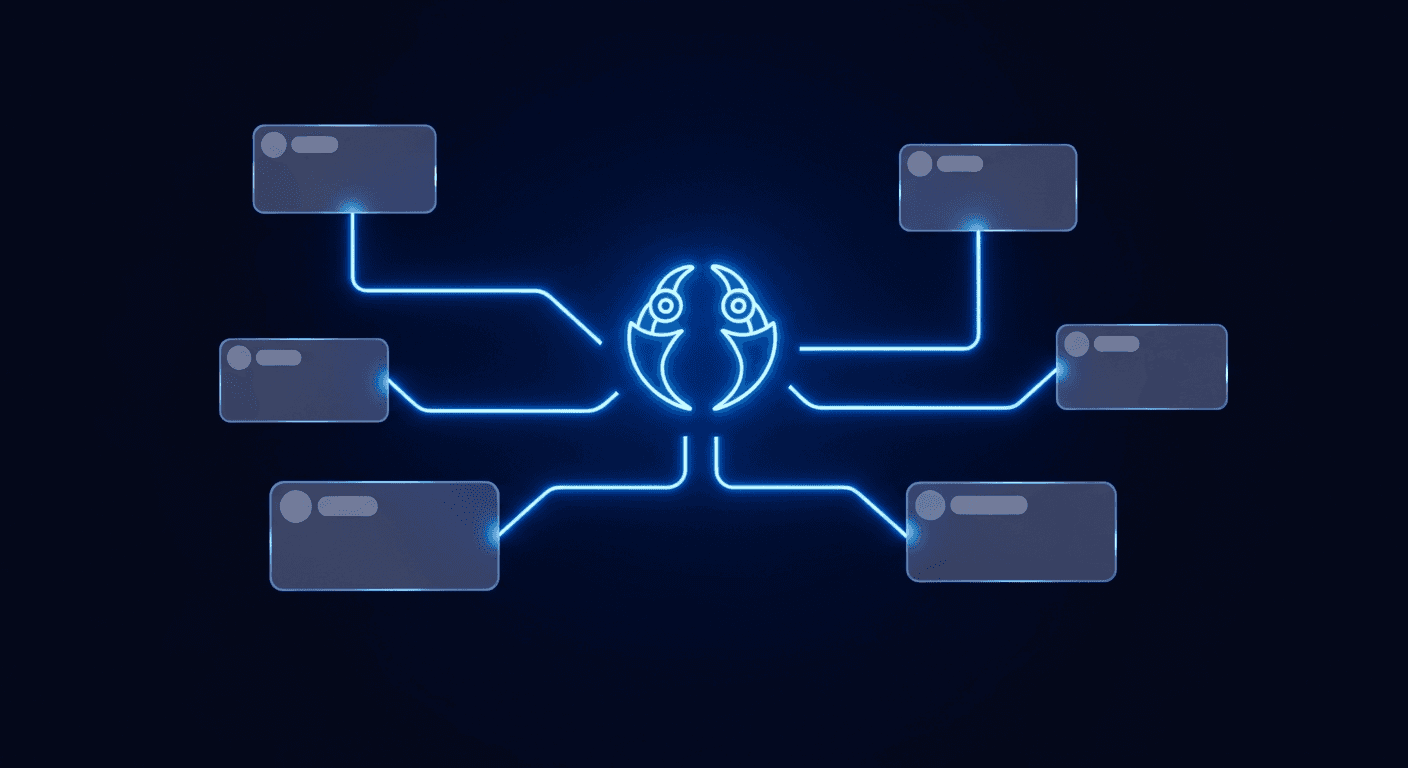
Most AI tools are designed for people who work in code editors. You open Claude Code or Cursor, you talk to an agent, you get things done. But a large share of developers and indie hackers do not live in a terminal. They live in WhatsApp, Telegram, and Discord, and for years those chat apps had no serious AI integration story beyond wiring up a basic chatbot.
OpenClaw changes that. It is an open-source, self-hosted AI gateway that bridges your messaging apps to AI agents through a system called Skills. You run it on your own server, your API keys never leave your infrastructure, and you configure exactly which capabilities your agent has by installing Skills from a public registry. Think of it as a personal AI assistant that lives in your chat apps, not in a SaaS dashboard.
This post covers what OpenClaw is, how Skills work, what mcporter does, and how to connect it to the XreplyAI skill so you can generate and schedule tweets from a WhatsApp message. If you are a developer or founder who wants AI in your daily chat workflow, this is where to start.
What OpenClaw Actually Is
OpenClaw is an open-source project that runs a persistent gateway process on your own machine or server. That gateway connects to your messaging accounts on one side and to an AI agent runtime on the other. When you send a message to your WhatsApp bot or Telegram channel, OpenClaw routes it to the agent, the agent processes it, and the response comes back to your chat thread.
The architecture has two main pieces. The Gateway Daemon handles the channel connections: it maintains persistent sessions with WhatsApp, Telegram, Discord, Slack, Signal, and iMessage, routing messages in and out over WebSockets. The Agent Runtime is where reasoning happens: it executes the AI model, manages memory across sessions, and invokes tools and Skills when the agent decides to use them.
This separation is deliberate. You can connect multiple channels to the same agent, which means your WhatsApp, your Telegram bot, and your Discord server can all talk to the same underlying AI. Conversations stay contextual across sessions because the agent maintains persistent memory. You are not starting from scratch every time you open a new chat.
Self-hosting is the defining feature, not just a technical detail. Every cloud-based AI assistant routes your prompts and your data through someone else's servers. With OpenClaw, the gateway runs on your hardware, your API keys are stored in your environment, and the only external calls are the ones you authorize, typically to the AI model provider you configured. For developers who handle sensitive data or simply want to avoid another SaaS subscription, this is a meaningful difference.
How Skills Work
Skills are the unit of capability in OpenClaw. A Skill is a configuration file, typically a SKILL.md, that describes what an agent can do, what tools it has access to, and how it should behave when invoked. OpenClaw has a public registry called ClawHub where community-built Skills are published. As of early 2026, the registry lists thousands of Skills covering categories from productivity and development to finance, health, and marketing.
Installing a Skill adds its tools and behaviors to your agent. You can have multiple Skills installed simultaneously: your agent might have a calendar Skill, a web search Skill, and an XreplyAI Skill all active at once. When you ask your agent to do something, it looks at the available Skills, decides which ones are relevant, and calls the appropriate tools. You do not need to invoke Skills explicitly by name in most cases.
The XreplyAI Skill is a concrete example. It exposes the full XreplyAI MCP tool set to your OpenClaw agent: post generation in your trained voice, queue management, viral tweet discovery, and direct publishing to X. Once the Skill is installed, you can ask your WhatsApp bot to generate three tweets about your SaaS launch and get back three voice-matched posts, ready to schedule. The Skill handles the connection to XreplyAI's backend, authentication, and tool invocation transparently.
Skills can also be private. If you have internal tooling or APIs you want to expose to your agent, you can write a SKILL.md for them and install it locally without publishing to ClawHub. This is useful for teams who want to connect proprietary systems to their AI gateway without making the integration public.
What mcporter Does
OpenClaw's native Skills system works well for capabilities that have been packaged as OpenClaw-compatible SKILL.md files. But there is a large and growing ecosystem of tools published as MCP servers: packages that implement the Model Context Protocol standard and expose tools that any MCP-compatible client can use. Claude Code, Cursor, and Windsurf all support MCP. OpenClaw does not natively speak MCP.
mcporter is the bridge. It is a CLI tool that discovers, installs, and manages MCP servers, and critically, it wraps them in a format that OpenClaw can consume as Skills. The workflow is straightforward: run mcporter search to find servers in the MCP registry, then run mcporter install @xreplyai/mcp --target openclaw to install one, and mcporter handles configuration, dependency resolution, and SKILL.md generation automatically. The result shows up in your OpenClaw agent as a new set of tools, ready to use.
This matters because the MCP ecosystem is vast. There are MCP servers for GitHub, Linear, Notion, Stripe, databases, browser automation, and hundreds of other services. mcporter lets you pull any of them into OpenClaw without writing custom integration code. For the XreplyAI case specifically, mcporter install @xreplyai/mcp --target openclaw bridges all 13 XreplyAI MCP tools into your WhatsApp or Telegram bot, without writing a single line of code.
mcporter is not exclusive to OpenClaw. It works with Claude Desktop, Cursor, and other MCP-compatible tools as well. If you already use mcporter to manage MCP servers in your code editor, you can add OpenClaw as another target and reuse the same server installations across environments.
A Real Workflow: Tweet Generation from WhatsApp
Here is what the end-to-end workflow looks like once OpenClaw is running with the XreplyAI Skill installed via mcporter.
You are in a WhatsApp conversation with your OpenClaw bot. You send: "Generate five tweets for this week about building in public. Focus on lessons from shipping the new onboarding flow." The message routes from WhatsApp to your OpenClaw Gateway Daemon over WebSocket. The Gateway passes it to the Agent Runtime. The Agent Runtime reads your installed Skills, identifies the XreplyAI Skill as relevant, and calls the xreply_posts_generate_batch tool with your prompt and voice profile parameters.
The tool calls the XreplyAI API, which generates five posts matched to your trained voice, and returns them. The Agent Runtime formats the results and sends them back through the Gateway to your WhatsApp thread. You see five draft tweets, each one sounding like you wrote it.
You reply: "Schedule the third one for tomorrow at 9am." The agent calls xreply_posts_create to save the post as a draft, then xreply_posts_publish with the timestamp. The tweet is now queued. You never opened a browser, never switched apps, never logged in to a dashboard.
This is the practical value of OpenClaw: it turns chat apps you already have open all day into a capable AI workstation. The same workflow applies to Telegram and Discord. You can also instruct the agent to run on a schedule: pulling the top five viral tweets in your niche every Monday morning and drafting three posts based on them is a valid automation once you have the viral discovery tools connected.
Who OpenClaw Is For
OpenClaw is built for developers and technical founders who are comfortable running a self-hosted service. The setup involves cloning the repo, configuring channel credentials, and deploying the gateway to a server or local machine. It is not a click-to-install SaaS product, and that is intentional. The tradeoff is full control: your data, your keys, your infrastructure.
The people who get the most value from it tend to fall into a few categories. First, developers who use chat apps as their primary communication surface and want AI capabilities there, not just in their code editor. If you already have team channels in Telegram or Discord, adding an AI gateway to those channels is lower friction than asking everyone to adopt a new tool. Second, founders with privacy or compliance requirements who cannot route data through third-party cloud AI services. Self-hosting means you control exactly what gets sent where. Third, power users who want to build custom agent workflows combining multiple tools, for example: pulling data from a GitHub MCP server and posting about it via XreplyAI, all triggered from a single Telegram message.
OpenClaw is not the right choice if you want a managed product with a support team and a polished onboarding experience. For that, there are cloud-based options. But if you are the kind of person who runs your own infrastructure and wants your AI assistant to work where you already work, OpenClaw is one of the more capable open-source options available.
How to Get Started with OpenClaw
The fastest path to a working OpenClaw instance with XreplyAI connected is roughly five steps.
First, clone the OpenClaw repository from GitHub and follow the setup guide in the docs. You will configure your AI provider (OpenAI, Anthropic, or a local model) and your channel credentials. The docs cover WhatsApp, Telegram, and Discord setup in detail. Plan for 30 to 60 minutes for first-time setup.
Second, install mcporter globally: npm install -g mcporter. This gives you the CLI tool for managing MCP servers as OpenClaw Skills.
Third, install the XreplyAI MCP server as an OpenClaw Skill: mcporter install @xreplyai/mcp --target openclaw. mcporter will prompt you for your XreplyAI API credentials and write the configuration to your OpenClaw settings automatically.
Fourth, restart your OpenClaw gateway. The XreplyAI tools will now be available to your agent. You can verify the installation by asking your agent what XreplyAI tools it has access to.
Fifth, connect your chat app if you have not already. For WhatsApp, scan the QR code that OpenClaw generates. For Telegram, create a bot via BotFather and paste the token into your OpenClaw config. For Discord, create an application in the Discord developer portal and add the bot to your server.
After that, the workflow described above is live. If you run into issues, the OpenClaw documentation at docs.openclaw.ai and the GitHub issues list are the best starting points. The community is active and the most common setup problems are well-documented.
OpenClaw gives you a self-hosted AI gateway that works where most developers actually spend their time: in chat apps. Once it is running with the right Skills installed, you have a capable AI assistant in WhatsApp, Telegram, and Discord that can generate posts, browse viral content, manage queues, and publish on schedule, all from a plain text message. The XreplyAI Skill via mcporter is one of the more useful integrations in the registry because it connects your chat interface directly to a production content workflow.
If you want to try the XreplyAI side of this, start at xreplyai.com. Set up your account, train your voice profile, and then follow the OpenClaw setup guide to connect your chat app. The whole stack is open-source, self-hosted, and built for people who want their AI working in the tools they already use.
FAQ
- Is OpenClaw free?
- OpenClaw is free and open-source. You self-host it on your own server or machine. Your only costs are hosting (a basic VPS or your own hardware) and the API provider you configure, such as OpenAI or Anthropic. There is no OpenClaw subscription fee.
- Does OpenClaw work with WhatsApp?
- Yes. WhatsApp is one of the primary supported channels. OpenClaw connects via the WhatsApp Web protocol, which means you link your existing personal or business WhatsApp number rather than provisioning a separate API account. Setup involves scanning a QR code in the OpenClaw interface.
- What is the difference between a Skill and an MCP server in OpenClaw?
- A Skill is a native OpenClaw capability packaged as a SKILL.md configuration file. An MCP server is an external tool built on the Model Context Protocol standard, used by Claude Code, Cursor, and similar AI clients. mcporter bridges MCP servers into OpenClaw by converting them into Skills automatically. The XreplyAI integration uses this path: install via mcporter and it becomes a native OpenClaw Skill.
- Do my API keys stay private with OpenClaw?
- Yes. Because OpenClaw is self-hosted, your API keys are stored in your own environment and never pass through a third-party relay. The only outbound connections are the ones you configure: to your AI model provider and to any MCP server tools you have installed, such as XreplyAI.
- Can I use OpenClaw with Telegram instead of WhatsApp?
- Yes. OpenClaw supports Telegram, Discord, Slack, Signal, iMessage, and more alongside WhatsApp. You can run all channels simultaneously through the same gateway, and the same agent with the same Skills handles messages from all of them. You configure each channel separately in your OpenClaw settings.