X Auto DM: Send Automated Messages on Twitter to Every Engager
Every like, reply, and retweet is a signal of intent. XreplyAI's automated Twitter DMs turn that signal into a direct conversation automatically — the moment someone engages. Here's how it works, who it's for, and how to use it without coming across as spammy.
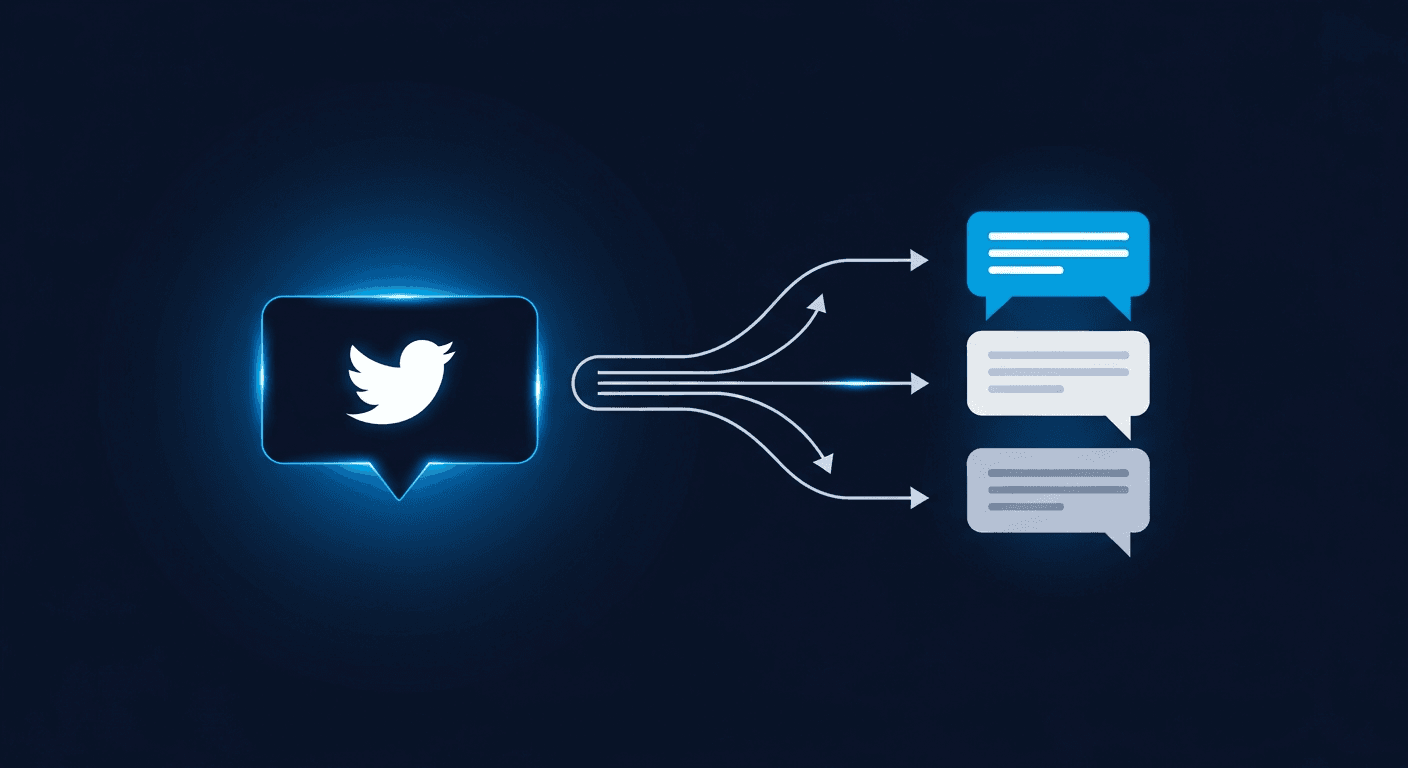
What is Auto DM and how does it work?
Auto DM is exactly what it sounds like: a direct message that fires automatically when someone engages with one of your tweets. You set a trigger (a like, a reply, a retweet, or any combination), write a message template, and the tool takes care of the rest.
In XreplyAI, you enable Auto DM per tweet. You write a post, activate the feature before publishing, and any user who engages receives your DM within seconds of their interaction. No manual follow-up. No checking notifications. No leads falling through the cracks.
The mechanics are straightforward. XreplyAI monitors engagement on the selected tweet via the X API. When a qualifying interaction is detected, it dispatches the DM to that user, provided they follow you or have open DMs enabled. The whole loop from engagement to delivered DM happens in the background while you're doing something else.
How it works in three steps
- You publish a tweet with Auto DM enabled in XreplyAI
- Someone likes, replies to, or retweets the tweet
- XreplyAI automatically sends them your DM. No action needed on your end.
Auto messages vs. auto responses on Twitter: what's the difference?
People search for this feature under a few different names: an auto response on Twitter, automated messages on Twitter, or simply Twitter auto messages. They all describe the same thing. An auto message is a direct message that sends itself when a trigger fires, and an auto response is that same message viewed from the recipient's side: a reply to their engagement.
The distinction that actually matters is the trigger. A true auto response on Twitter fires off a real signal of intent (a like, reply, or retweet on your post) rather than blasting your whole follower list. That is what separates legitimate Twitter auto messages from spam: every message is a response to an action the recipient chose to take. XreplyAI sends automated messages on Twitter only to users who engage with the specific tweet you attach the campaign to.
Why engagers make the best DM recipients
Cold outreach on X has a notoriously low response rate. Unsolicited DMs from strangers (especially ones that open with a pitch) get ignored or reported. The fundamental problem is that there's no shared context, no established trust, and no prior signal of interest. Building that context first, through consistent replies and engaging content, is the foundation. See how the reply guy strategy builds that presence.
Auto DM sidesteps this problem entirely because the recipient has already self-selected. They liked your tweet. They replied to it. They thought it was worth sharing. That engagement is a soft opt-in: they've told you, through their action, that they found your content relevant.
When your DM arrives in that context, referencing the tweet they just interacted with and offering something related to what they engaged with, it doesn't feel like a cold message. It feels like a natural continuation of the conversation. That shift in perception is why Auto DM conversion rates run significantly higher than traditional cold outreach.
Engagement signals ranked by intent
- Reply: highest intent. They took time to write a response.
- Retweet: high intent. They staked their own reputation on your content.
- Like: moderate intent. They bookmarked it as relevant.
For lead gen campaigns, consider enabling DMs only for replies. They carry the strongest buying signal.
Use cases: lead gen, community, traffic, and outreach
Auto DM is flexible. The same mechanic serves very different goals depending on what you put in the message and which tweet you attach it to.
Lead generation
This is the most common use case. You post a tweet offering a free resource (a checklist, a guide, a template, an ebook) and tell people to like or reply to get it. The Auto DM fires the moment they engage, delivering the resource link. You turn a public tweet into a lead capture mechanism without any landing page or signup form friction. People who engage are already interested; the DM closes the loop. If you want AI to help craft the replies that warm up this audience first, the AI reply generator handles that.
Newsletter and community growth
Newsletters live and die by subscriber quality. Auto DM lets you invite your most engaged readers (the ones who actively interact with your content) directly into your newsletter or community. Instead of relying on passive link clicks, you're proactively reaching people who've already demonstrated interest. The conversion from DM to subscriber on this audience is dramatically higher than from a bio link.
Driving traffic to content
X's algorithm suppresses external links in tweet bodies and replies. Auto DM bypasses this entirely. You can post an engaging tweet with no link, let it spread organically, and deliver the link privately to everyone who engages. Your reach in the feed is unpenalised; your traffic conversion happens in the DM.
Sales outreach and product launches
For product launches, early access waitlists, or limited offers, Auto DM creates a frictionless pipeline from public interest to private conversation. Post a launch teaser or a "comment below for early access" tweet, and everyone who replies gets an immediate DM with the access link or a calendar booking link for a call. The speed of follow-up matters: responding within minutes of engagement beats waiting until you manually check the thread.
Community relationship building
Not every Auto DM needs a link or a pitch. Some of the most effective uses are simply introducing yourself to new followers or thanking people who retweet an important post. A short, warm DM that makes someone feel seen, without asking for anything, builds the kind of relationship that eventually converts without a hard ask.
How to set up Auto DM in XreplyAI
Auto DM is available on XreplyAI's Team plan. Once you're on a qualifying plan, setup takes under two minutes.
- Open the XreplyAI extension on X and navigate to the Auto DM settings panel.
- Write your tweet in the standard X composer or in XreplyAI's tweet composer.
- Toggle Auto DM on for the tweet before publishing. This activates monitoring for that specific post.
- Select your trigger types: likes, replies, retweets, or any combination.
- Write your DM message. Keep it short, reference the tweet, and include a single clear action (a link, a question, or an offer).
- Publish the tweet. XreplyAI starts monitoring immediately.
You can review DM delivery stats from the Auto DM dashboard: how many were sent, open rates, and each active campaign showing the tweet, the trigger settings, and the message sent.
What to write in your Auto DM
The message is everything. A well-crafted DM gets opened, clicked, and responded to. A generic one gets ignored or triggers a spam report.
The anatomy of a high-converting Auto DM:
- Acknowledgment: Reference the tweet they engaged with so it feels contextual, not random. "Hey, saw you [liked/replied to/retweeted] my post about X."
- Value delivery: Give them what you promised, or offer something useful related to what they engaged with. Be immediate and specific.
- Single CTA: One link, one question, one ask. Multiple CTAs dilute action.
- Human sign-off: Your name. Optionally, one line about what you do. No sales language.
Example Auto DM templates
Lead magnet delivery
"Hey! Here's the [resource name] I mentioned: [link]. Let me know if you have questions. John"
Newsletter invite
"Thanks for engaging with that post. If you found it useful, I write about [topic] every week. Here's the newsletter: [link]. No pressure, just thought it might be relevant."
Product launch
"Saw you replied to the launch post. Here's your early access link: [link]. Expires in 48h. Would love to hear what you think."
Dos and don'ts: staying compliant and non-spammy
Auto DM is a powerful tool precisely because it's contextual. Used well, it feels like attentive outreach. Used poorly, it gets you reported and potentially suspended. The line is easy to stay on the right side of.
Do:
- Only target users who have engaged with your specific tweet. Never mass DM followers.
- Reference the tweet so the message has obvious context
- Deliver something valuable: a resource, early access, a relevant link
- Keep the message short. Under 100 words is usually enough.
- Respect replies asking to be left alone and stop the campaign for that user
Don't:
- Open with a pitch or ask. Lead with value.
- Send multiple DMs to the same user from different campaigns simultaneously
- Use deceptive framing ("You won!", "Exclusive access") that misleads about what you're sending
- Target engagers on tweets from other accounts. Only monitor your own tweets.
- Run Auto DM on inflammatory or bait-style tweets designed purely for engagement
X's spam detection is context-aware. DMs that get marked as spam by recipients affect your account standing. The best protection is making sure every DM you send delivers something the recipient genuinely finds useful.
Auto DM is one of the most underused tools for turning passive reach into active pipeline. When you target people who have already engaged rather than cold-messaging strangers, the response rate and conversion quality are fundamentally different. Set up your first campaign, keep the message useful, and let the results speak for themselves. If you want to understand how replying and reposting your own tweets affect your reach before someone engages, see how the X algorithm actually works.
One calendar for 10 platforms, with Auto DM included on paid plans
XreplyAI schedules and publishes across X, LinkedIn, Instagram, Threads, Facebook, YouTube, Pinterest, Bluesky, TikTok, and Mastodon from one place. Auto DM is a Team feature: set up your first campaign in under two minutes, no code, no manual follow-up.
Try XreplyAI free →FAQ
- What is X Auto DM?
- X Auto DM (also called Twitter Auto DM) is a feature that automatically sends a direct message to any user who engages with a specific post — whether they like it, reply to it, or repost it. Instead of manually following up with each engager, the tool fires a personalised DM the moment the engagement happens.
- What is Auto DM on X (Twitter)?
- Auto DM (automated Twitter DM) is a feature that automatically sends a direct message to any user who engages with a specific tweet — whether they like it, reply to it, or retweet it. Instead of manually reaching out to each engager, the tool fires a personalised Twitter automated message the moment the engagement happens.
- Does X (Twitter) allow auto DMs?
- X allows sending DMs to users who follow you or have open DMs enabled. Auto DM tools that send messages via the official X API within these constraints are permitted. Spam or unsolicited mass messaging violates X's terms, so the best practice is to target users who have already shown intent by engaging with your content.
- What engagement types trigger Auto DM in XreplyAI?
- XreplyAI's Auto DM can trigger on three engagement types: likes, replies, and retweets. You can enable any combination. For example, only DM people who reply (highest intent), or DM everyone who retweets to maximise reach.
- What should I send in an Auto DM?
- The highest-converting Auto DMs are short, personal, and deliver clear value: a free resource, early access to a product, a discount code, or a relevant link. Avoid generic greetings and hard sales pitches. Reference the tweet they engaged with so the message feels contextual rather than automated.
- Which plan includes Auto DM in XreplyAI?
- Auto DM is available on the Team plan, with full access to the feature and no limits on the number of DMs sent per campaign.
- Can Auto DM help me grow my email list?
- Yes. One of the most common use cases is linking to a lead magnet or newsletter signup from the Auto DM. Because the recipient has already engaged with your tweet, they're a warm lead. Conversion rates are significantly higher than cold outreach.
- What is the difference between an auto message and an auto response on Twitter?
- They describe the same feature. An automated message on Twitter is a DM that sends itself when a trigger fires; an auto response on Twitter is that same message seen from the recipient's side — a reply to their engagement. Twitter auto messages only count as a genuine response when they fire on a real signal of intent (a like, reply, or retweet) rather than blasting your whole follower list.
- How is Auto DM different from a Twitter bot?
- A Twitter bot typically scrapes users randomly or targets them based on keywords, sending unsolicited messages at scale. Auto DM targets only users who have already chosen to interact with your content. They've opted in by engaging. This distinction makes Auto DM a legitimate outreach tool rather than spam.