Post to all your social media at once, from one calendar

Write a post once and publish it to X, LinkedIn, Instagram, Threads, and 11 more platforms (15 in total) from a single calendar. One flat subscription, no per-seat fees, no switching tabs.

Start Posting Everywhere Free

10-day Pro trial · No credit card required

XreplyAI calendar showing posts scheduled across all 15 social media platforms from one place

Watch XreplyAI generate and schedule posts in seconds

Used by creators at

XIndie HackersThreadsReddit

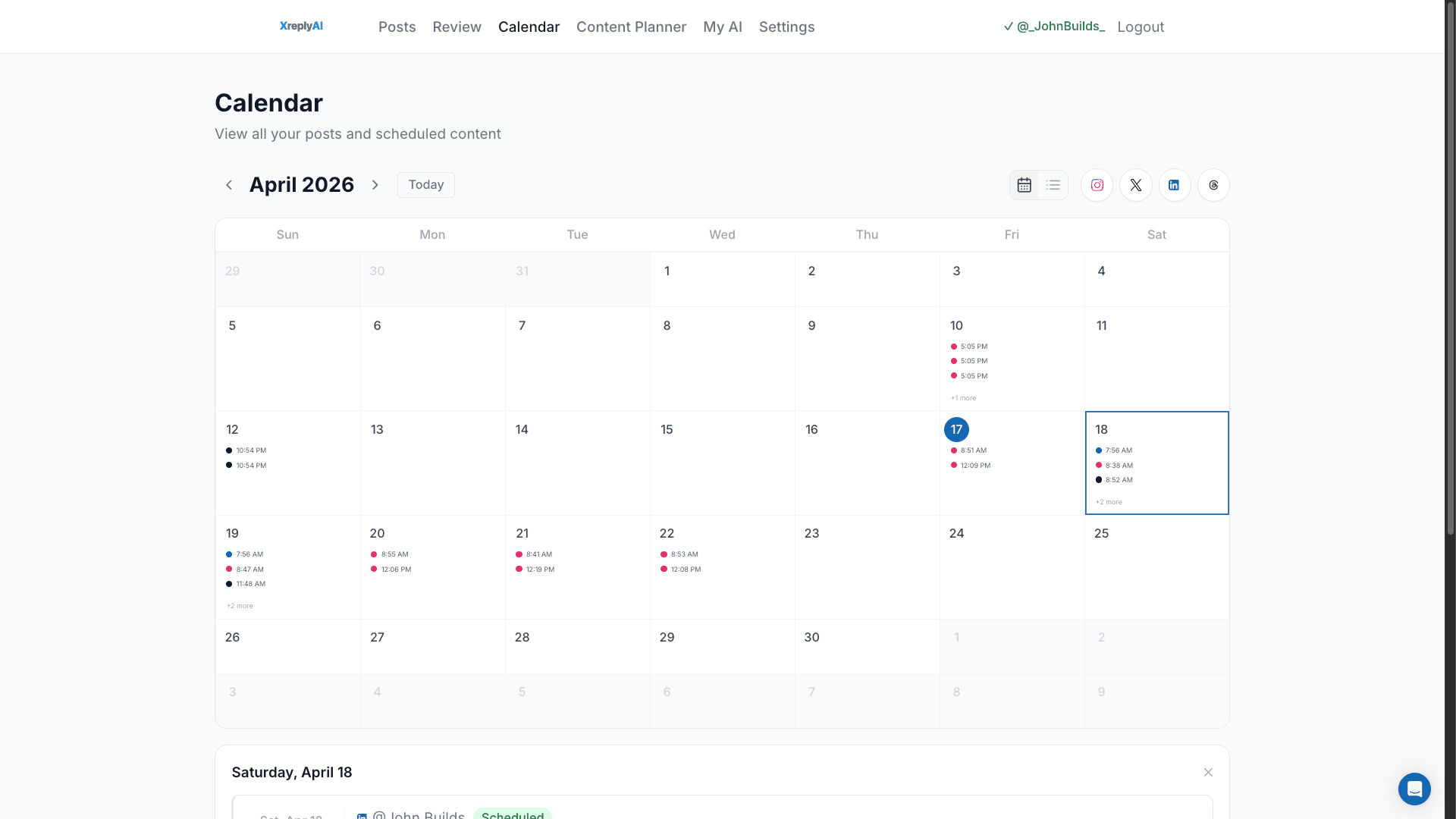
One calendar, 15 platforms

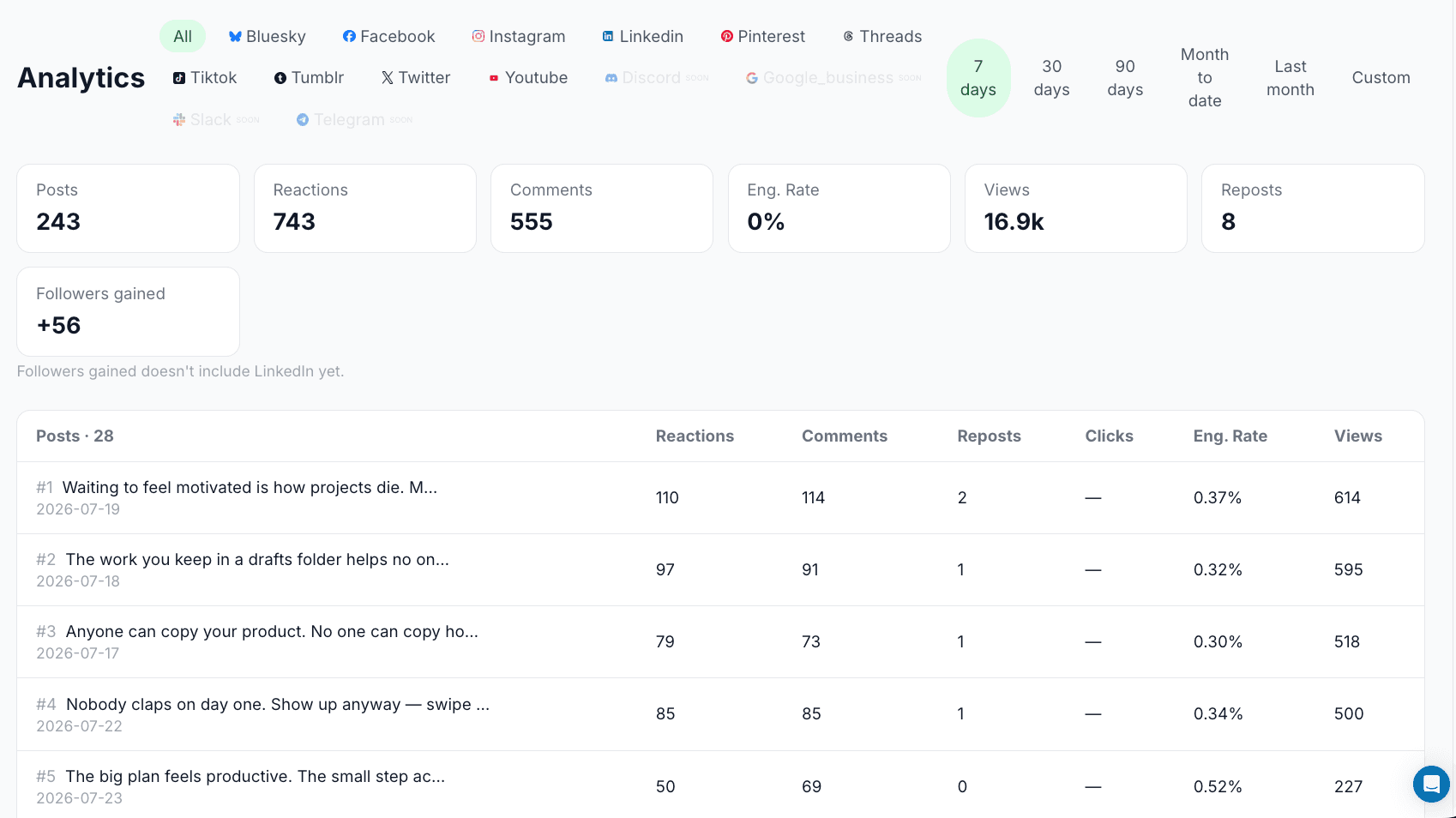
Connect X, LinkedIn, Instagram, Threads, Facebook, YouTube, TikTok, Pinterest, Bluesky, Mastodon, Discord, Telegram, Tumblr, Google Business, and Slack. Every platform lives on the same calendar: no separate logins, no separate apps.

Learn more →
XreplyAI calendar showing posts scheduled across multiple social media platforms

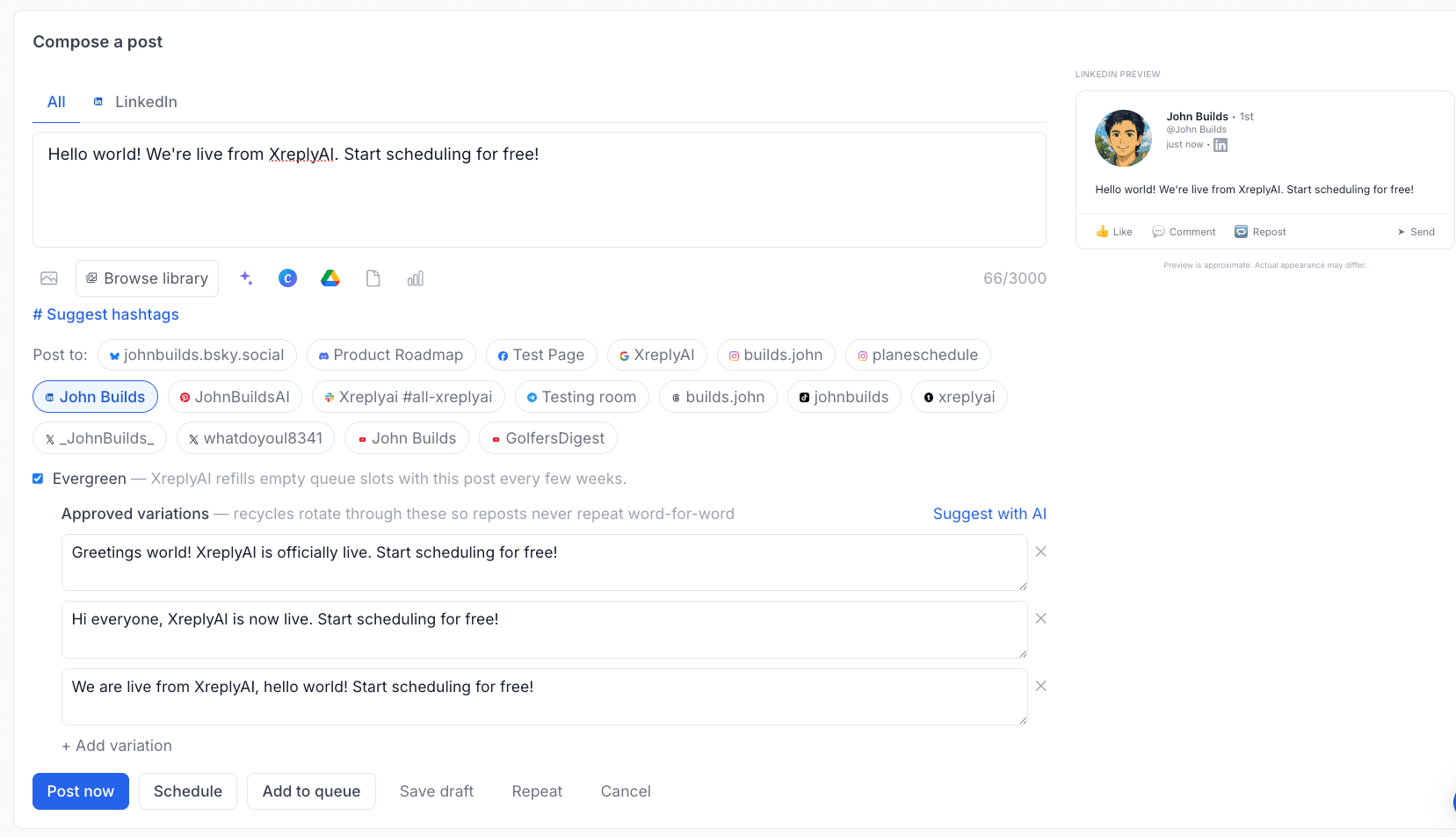
Write once, publish everywhere

Draft a post and XreplyAI adapts it per platform, respecting each platform's character limits and formatting automatically. No manually trimming a post to fit X after writing it for LinkedIn.

Learn more →
XreplyAI post queue with per-platform content variants

Plan a week in one sitting

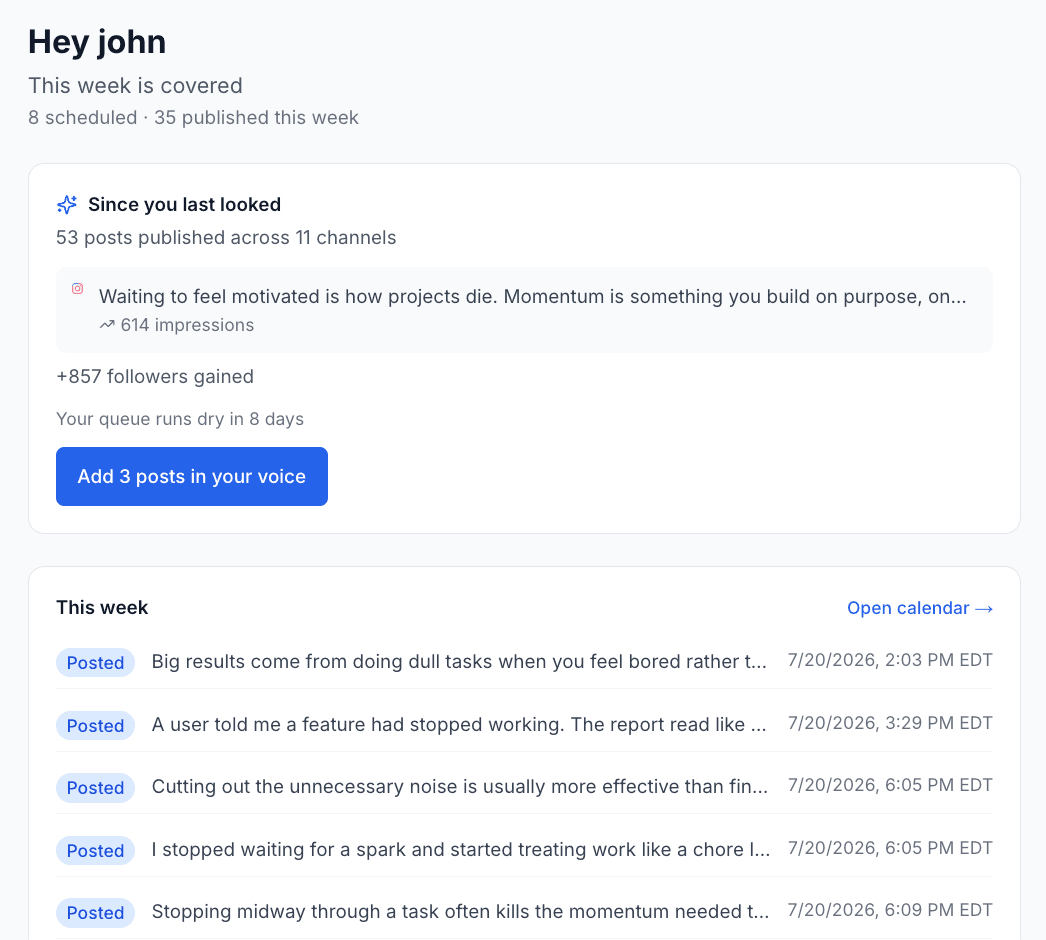
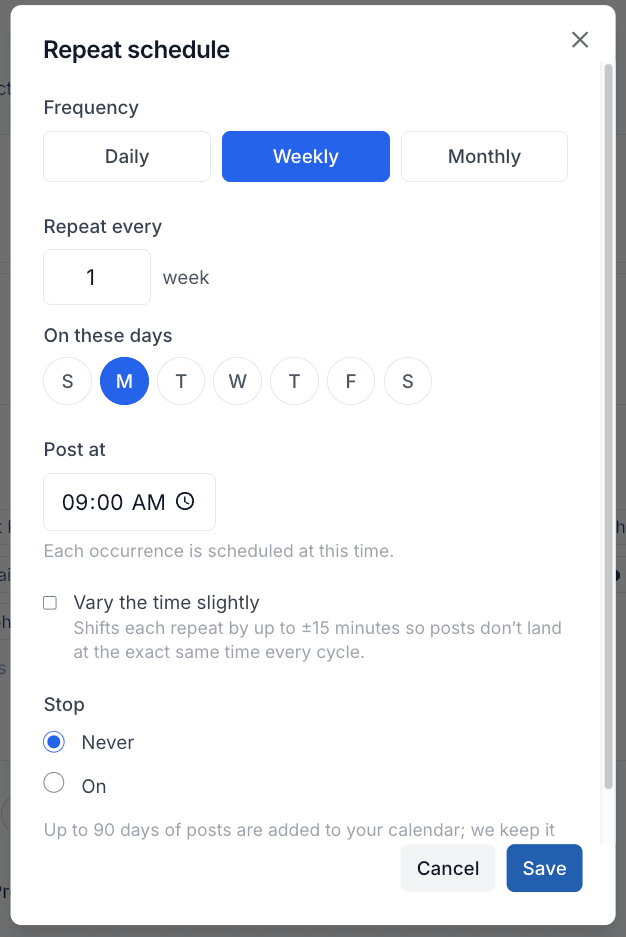
Batch your content on a Sunday afternoon and let the queue handle the rest. Set your posting rhythm once; new posts fill the next open slot automatically across every platform you have connected.

XreplyAI content planner for batching a week of posts at once

Bring your team, one flat price

Add teammates for review and approval before anything publishes. One subscription covers your whole team across all 15 platforms: no per-seat fees, no per-channel charges.

Learn more →
XreplyAI review workflow for team approval before publishing

Post to all your channels from one place

X / Twitter
LinkedIn
Instagram
YouTube
Threads
Facebook
Bluesky
Mastodon
Google Business
Discord
Telegram
Tumblr
XreplyAI voice profile setup screen

AI that writes in your voice

Trained on your own archive, not a template. Generate on-brand drafts for any platform, then review before scheduling. You stay the author.

XreplyAI Chrome extension generating a reply draft on X

Reply from your feed

The Chrome extension drops an AI reply draft right into X, matched to your voice, without leaving the timeline.

Auto-RT and Auto-DM

Automatically re-share your own posts on X after a set number of hours, and send every new follower a custom welcome DM.

Post from Claude

Connect the XreplyAI MCP server and schedule posts across all 15 platforms directly from Claude Code or Claude Desktop.

Built for people who have better things to do than babysit social media

Solo founders

Stay visible while you build, without social eating a chunk of your day.

  • Post everywhere without living on social media
  • One calendar for every platform you use
  • Flat monthly price, no per-seat fees

Indie makers building in public

Show up with progress updates on every platform your audience actually reads.

  • Cross-post updates to X, LinkedIn, and Threads at once
  • Batch a week of build-in-public content in one sitting
  • Flat pricing, no per-seat fees

Small teams (1–5 people)

Coordinate what goes out without a dedicated social hire.

  • One shared calendar across your whole team
  • Review and approve posts before they publish
  • One flat subscription covers everyone — no per-seat fees

Creators love XreplyAI

Creators and founders use XreplyAI to post consistently across every platform.

Marcus Lane

Marcus Lane

@marcuslane

Been using XreplyAI for 3 weeks. My LinkedIn engagement is up 4x and I haven't changed what I post, just when and how consistently I post it.

Bill MonthlyBill Yearly
🏷2 months free | save 17%

Free

Full manual scheduler: create, schedule, and publish to 3 channels. No card required.

$0/month
  • 3 connected channels
  • 30 scheduled posts
  • Manual compose, schedule, and publish
  • All 15 platforms
  • Post failure alerts

Starter

Schedule across 10 channels and add AI replies when you want them

$11.99$9.99/month
Billed $119.88/yr2 months free | save 17%
  • 10 connected channels
  • Unlimited scheduled posts
  • Post calendar across all platforms
  • 20 AI replies/day (trained on your archive)
  • Chrome extension for X
  • Voice profile (trained on your archive)
  • Auto DM replies
  • Custom writing rules
Most Popular

Pro

20 channels, a full calendar, and AI assist trained on your own archive.

$39.99$33.32/month
Billed $399.84/yr2 months free | save 17%
  • Everything in Starter
  • 20 connected channels
  • 100 AI replies/day (trained on your archive)
  • Auto DM replies
  • Custom writing rules
  • MCP server for Claude Code
  • 3 workspaces

Team

For agencies and teams: 50 channels, 500 AI replies/day, members & approvals.

$99.99$83.33/month
Billed $999.96/yr2 months free | save 17%
  • Everything in Pro
  • 50 connected channels
  • 500 AI replies/day (trained on your archive)
  • Team members & review/approve workflow
  • Unlimited workspaces

Questions? Contact us

How does XreplyAI compare?

15 platforms, one calendar, one subscription. No per-seat fees.

ToolPrice
XreplyAIBest valueFree, paid from $9.99/mo
BufferFrom $5/mo per channel
HootsuiteFrom $99/mo
Hypefury$29/mo
LaterFrom $25/mo
SocialBeeFrom $29/mo

See full comparison →

Common questions about posting to all your social media at once

Everything about scheduling and publishing across every platform from one calendar.

Can I post to all social media at once?

Yes. XreplyAI schedules a post from one calendar to any combination of 15 platforms: X, LinkedIn, Instagram, Threads, Facebook, YouTube, TikTok, Pinterest, Bluesky, Mastodon, Discord, Telegram, Tumblr, Google Business, and Slack. Write it once, pick your platforms, and XreplyAI publishes to each one at the scheduled time.

Is there a free app to post on multiple social media platforms?

XreplyAI has a free plan that connects up to 3 channels and schedules up to 30 posts. For more channels and higher volume, paid plans start at $9.99/mo (annual), with a 10-day Pro trial and no credit card required to start.

Do posts look native on each platform, or does it just copy-paste the same text everywhere?

XreplyAI adapts each post per platform automatically, respecting character limits and formatting differences, so you're not manually trimming a post written for LinkedIn down to fit X. You can also write separate content per platform when you want something fully custom.

How does scheduling work across all 15 platforms?

Connect your accounts once, set your posting schedule (days and times) per platform, then drop posts into the calendar whenever you have them. XreplyAI fits each post into the next open slot and auto-publishes: no manual posting, no reminders to babysit.

Is there a free trial, and does it require a credit card?

Yes. XreplyAI offers a 10-day Pro trial with no credit card required. You can connect your accounts, schedule posts across all 15 platforms, and try AI generation before paying anything.

How much does XreplyAI cost for a team?

XreplyAI is one flat subscription, not per-seat pricing. It covers your whole team across all 15 platforms. Add teammates for review and approval without paying extra per person. See current plans on the pricing page.

Post to all your social media at once, from one calendar.

Connect your accounts, set your schedule, and let XreplyAI publish everywhere while you focus on the work that actually grows your audience.

Start Posting Everywhere Free

10-day Pro trial · No credit card required